Deploy with an AI Agent
One prompt per scenario: deploy an app, deploy a full-stack app with PostgreSQL, add a database later, and manage your app from your coding agent.
How to use this page
Find the scenario that matches what you are doing and send its prompt. In Claude Code, start with the ProductEcho skill command. In any other MCP client, say the same thing in plain language. Either way, your agent works out which ProductEcho tools to call.
Leave off the /productecho-plugin:… part and ask in plain language, for example: Use ProductEcho to deploy this application with a PostgreSQL database.
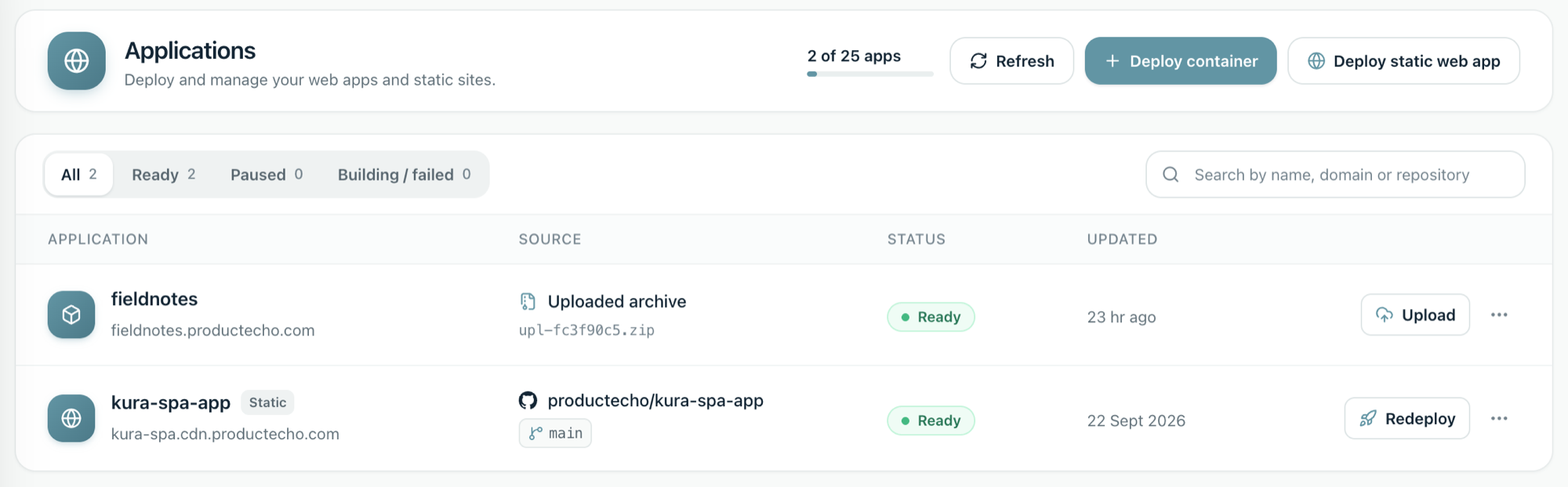
Deploy a web app
Your app is a frontend or an API that does not need a database.
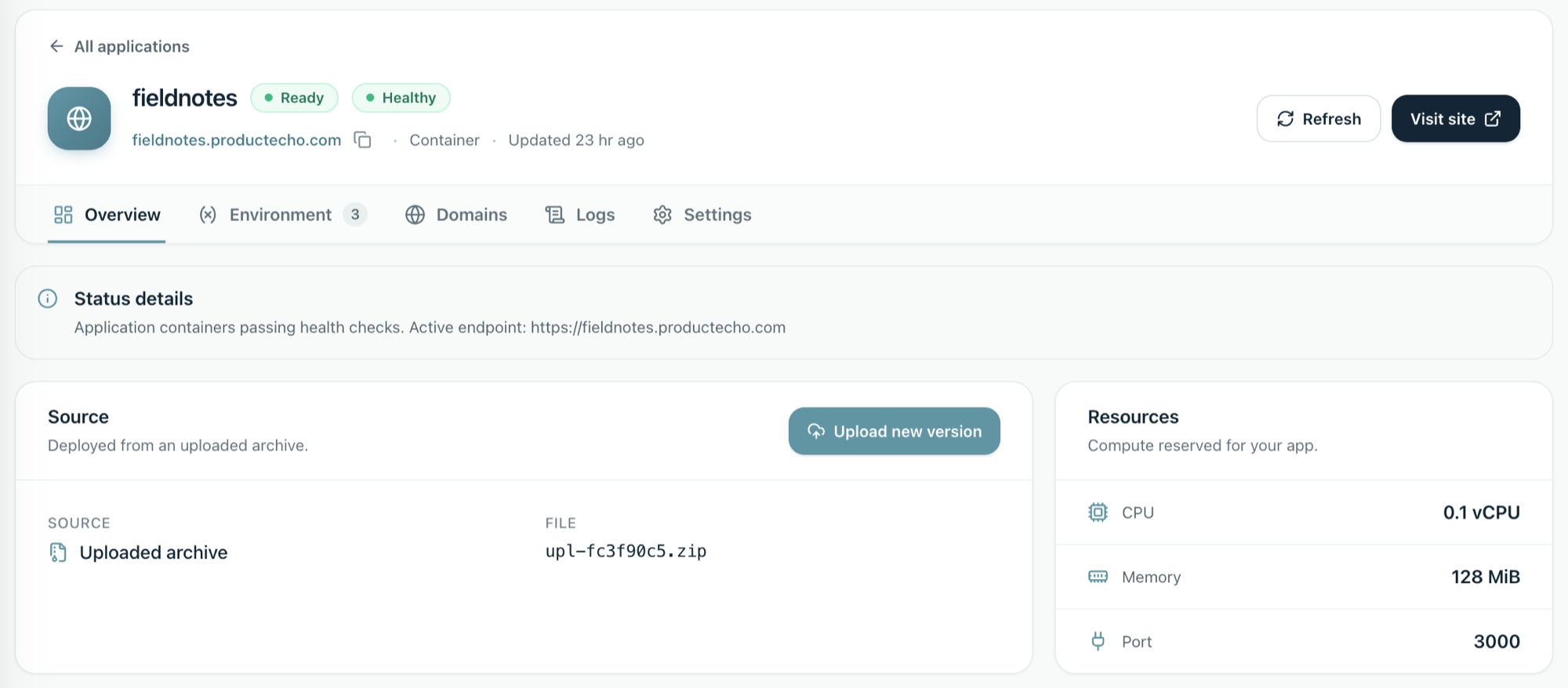
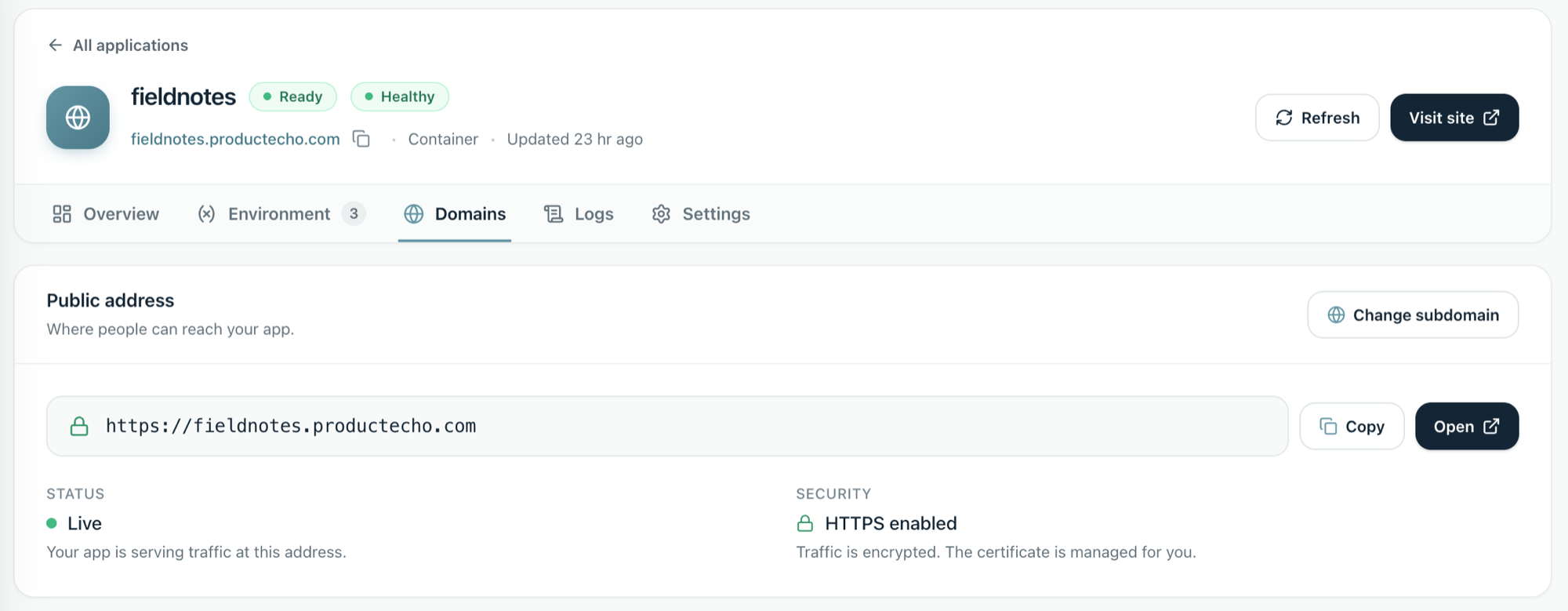
ProductEcho inspects the code, deploys it, and returns a live HTTPS URL.
Deploy a full-stack app with PostgreSQL
Your app needs a database. One prompt covers both the database and the deployment.
Understand
Provision
Connect
Deploy
Add a database to an app that is already live
You shipped without a database and now need one.
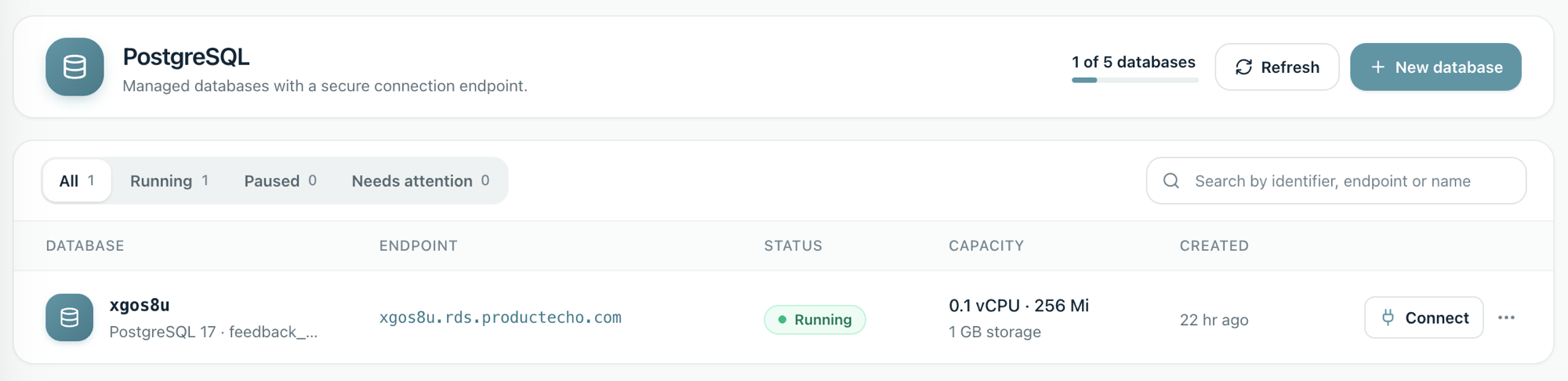
Your agent creates the database and gives your app its connection details through environment variables. To choose a size or grow storage later, see the PostgreSQL guide.
Change a setting
You need a different environment variable value, such as a log level or an API URL.
For a server app, ProductEcho restarts it with the new value and does not rebuild it.
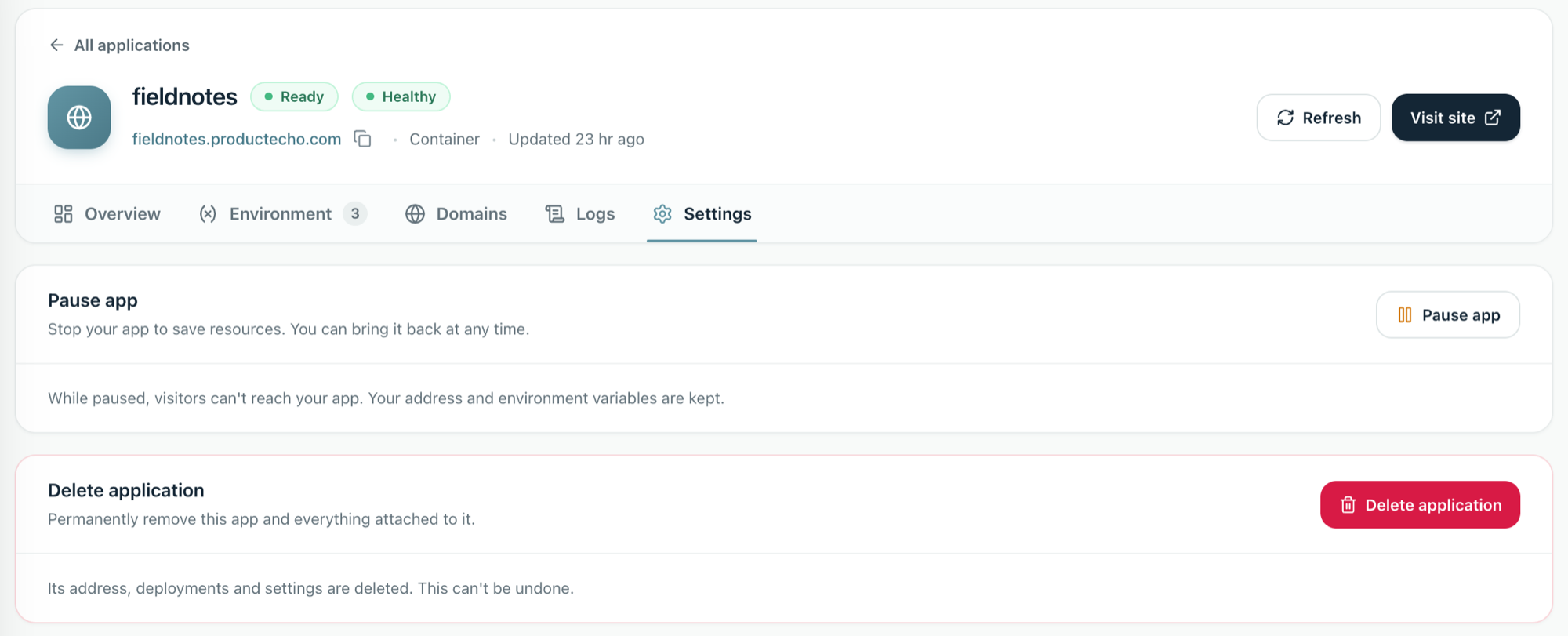
Pause an app you are not using
Staging and demo apps do not need to run all day.
While an app is paused, visitors can't reach it, and its address and environment variables are kept. To bring it back, ask your agent to resume it.