
Deployment, explained from code to cloud.
21 practical guides on monorepos, AWS, containers, databases, release safety, and shipping AI-built applications. Each one starts with the problem and shows a concrete path forward.
Most useful first reads
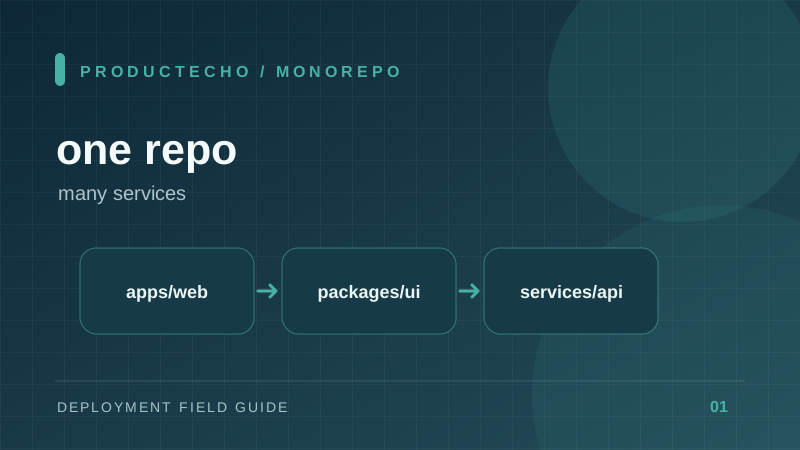
How to Deploy One App From a Monorepo
Choose the right app directory, build context, dependencies, and environment when several services share one repository.
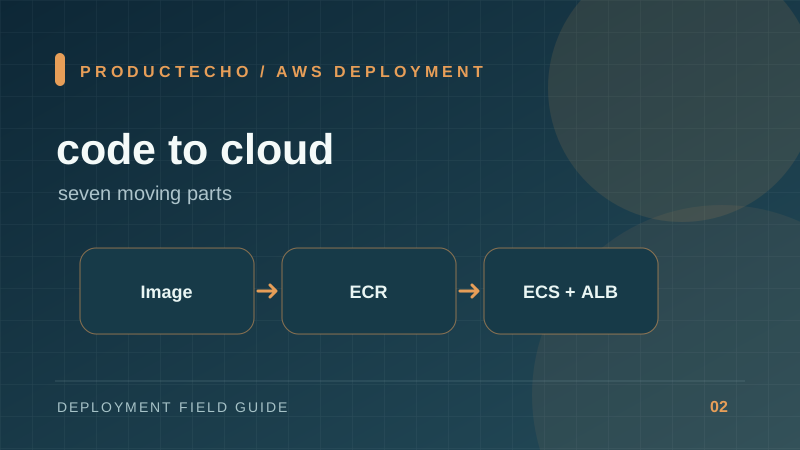
Deploy a Single Project to AWS: The Full Path and a Simpler Option
Follow one web app from source code to public HTTPS on AWS, then see where ProductEcho removes setup steps.
From repository to live URL
Practical paths for familiar stacks and the decisions that make a deployment repeatable.
How to Deploy One App From a Monorepo
Choose the right app directory, build context, dependencies, and environment when several services share one repository.
Deploy a Single Project to AWS: The Full Path and a Simpler Option
Follow one web app from source code to public HTTPS on AWS, then see where ProductEcho removes setup steps.
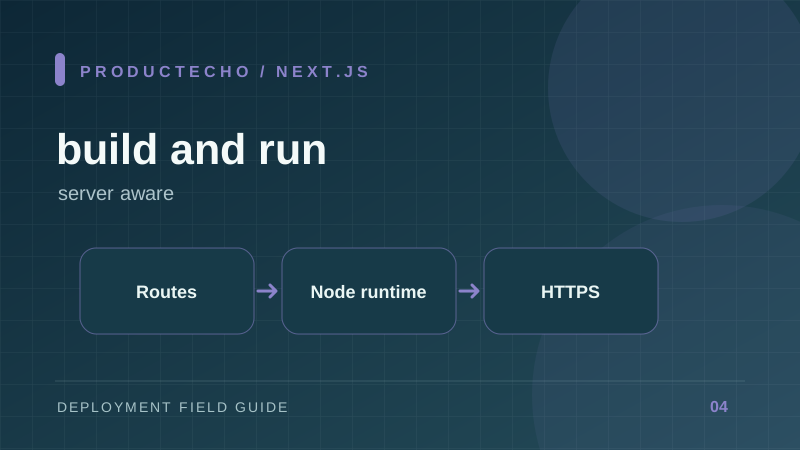
How to Deploy a Next.js App to Production
Build, start, configure, and health-check a Next.js server without confusing static output with server rendering.
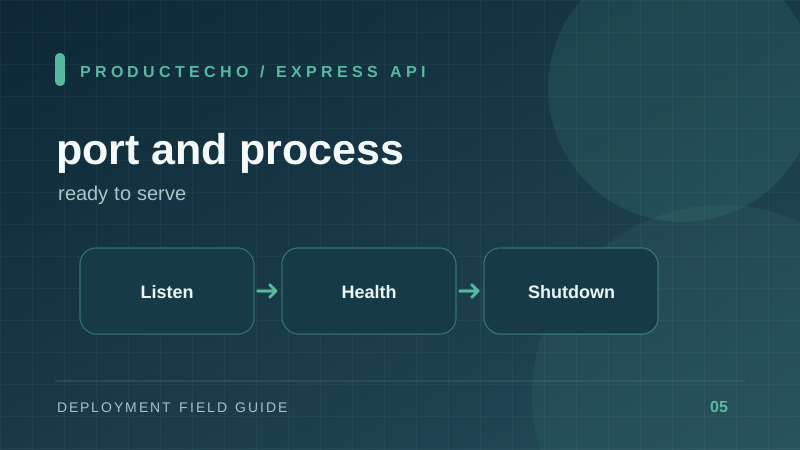
Deploy an Express API: Ports, Health Checks, and Shutdown
Turn a local Node API into a service that starts reliably and survives rolling deploys.
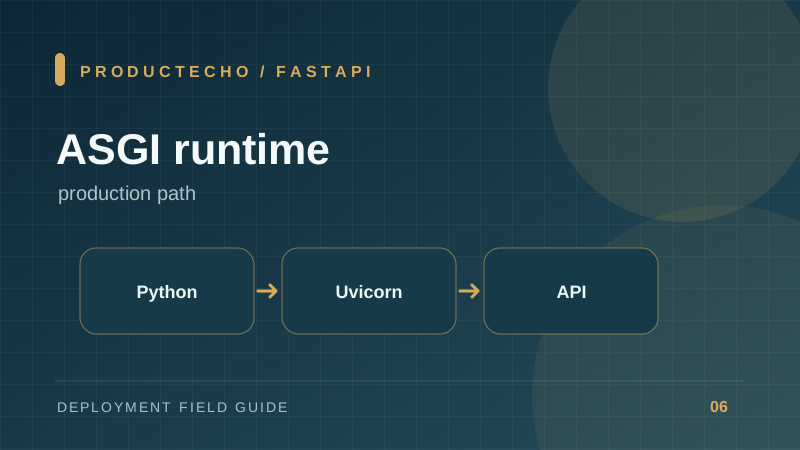
How to Deploy FastAPI Beyond the Development Server
Package a Python API with pinned dependencies, an ASGI server, health checks, and environment-based configuration.
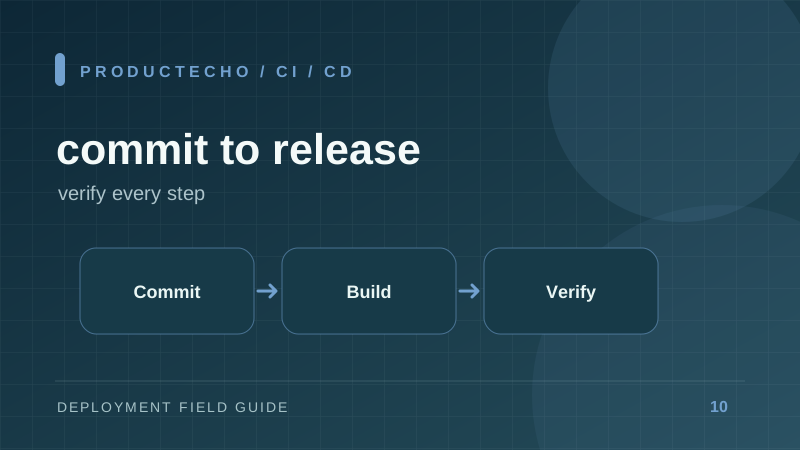
From GitHub Commit to Production: A CI/CD Checklist
Build a release path that tests, builds, deploys, verifies, and can recover from a bad change.
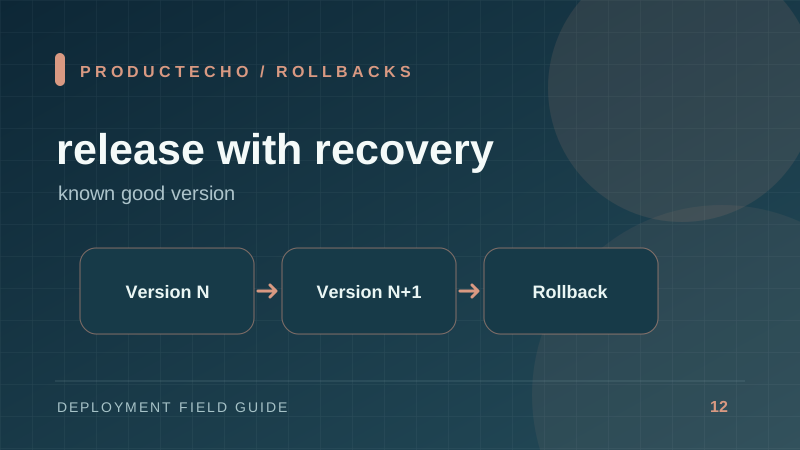
Zero-Downtime Deployments and Rollbacks Explained
Make old and new versions coexist, drain traffic safely, and recover without reversing data blindly.
Databases, security, and release safety
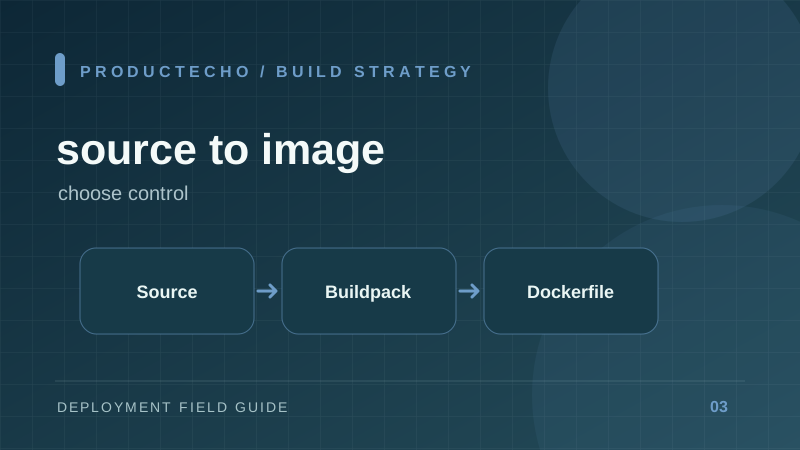
Dockerfile vs Buildpacks: Which Should Deploy Your App?
Compare automatic runtime detection with an explicit container recipe, and learn when to switch.
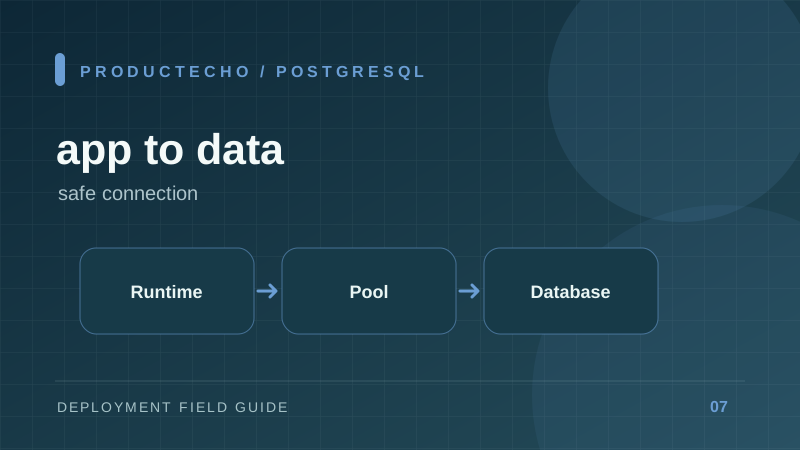
Connect a Production App to PostgreSQL Safely
Use a connection URL, TLS, pooling, migrations, and least-privilege credentials without leaking database secrets.
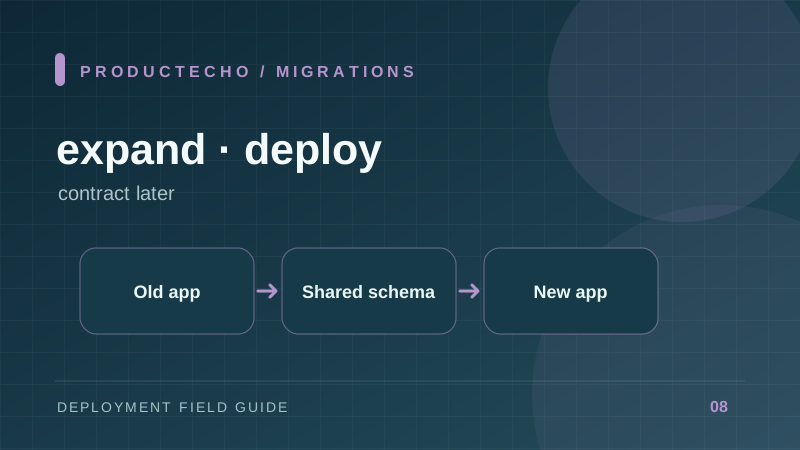
Database Migrations Without Breaking a Rolling Deploy
Use expand-and-contract changes so old and new application versions can coexist during a release.
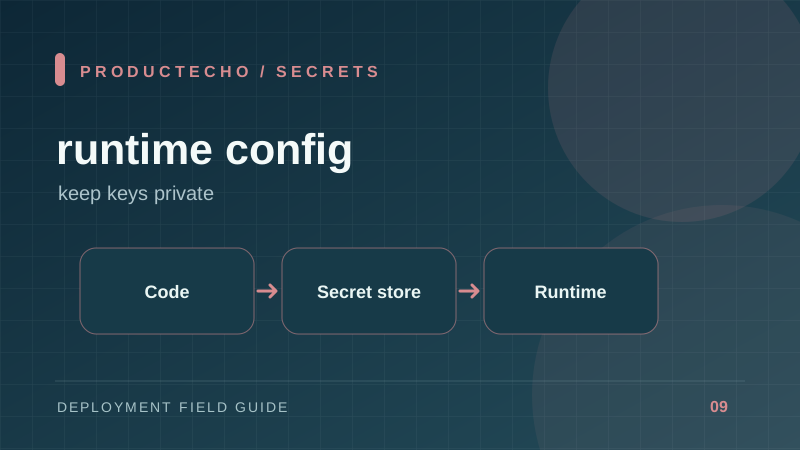
Environment Variables and Secrets in Production
Separate build-time public values from runtime credentials and prevent accidental exposure in logs, images, and Git.
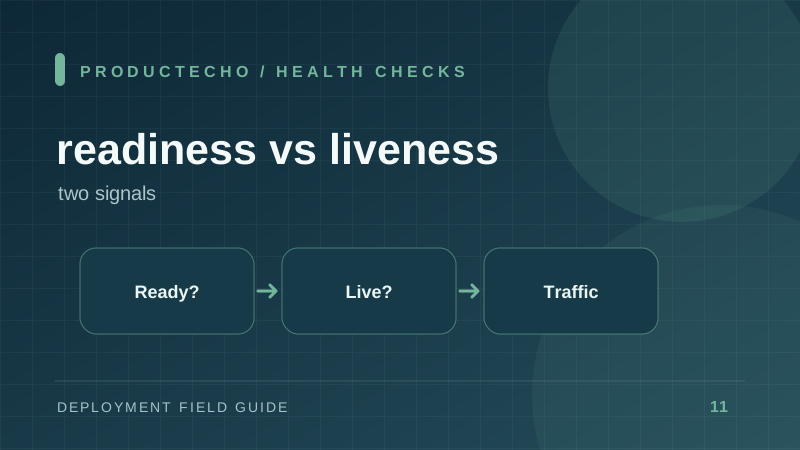
Readiness vs Liveness: Health Checks That Actually Help
Know which failures should stop traffic and which failures should restart a process.
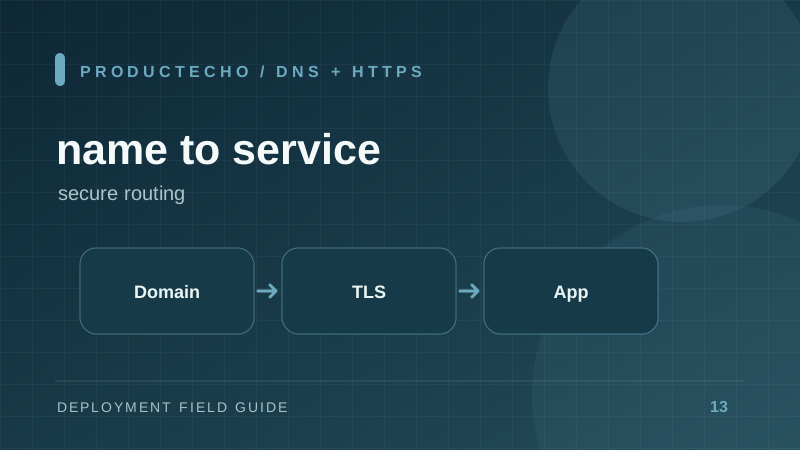
Custom Domains, DNS, and HTTPS for a New App
Understand DNS records, TLS certificates, and the verification steps that make a deploy reachable by name.
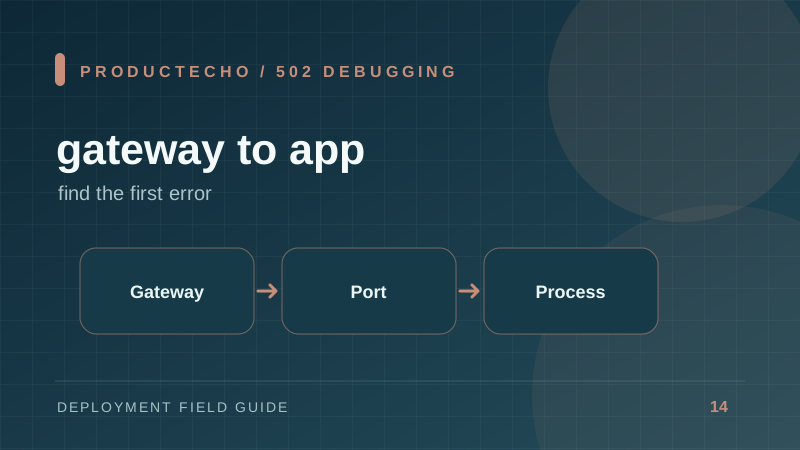
Why a Deployment Returns 502 Bad Gateway
Trace a failed proxy-to-app connection through process startup, port binding, health, timeouts, and logs.
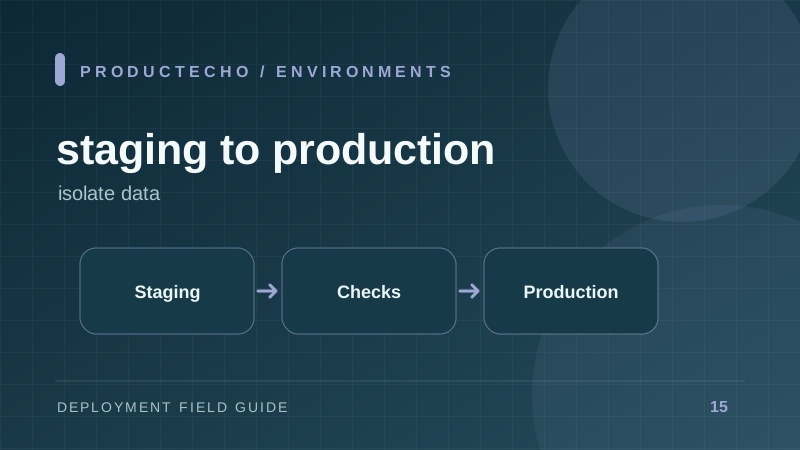
Staging vs Production: What Should Be Separate?
Design environments that catch release failures without sharing credentials or corrupting live data.
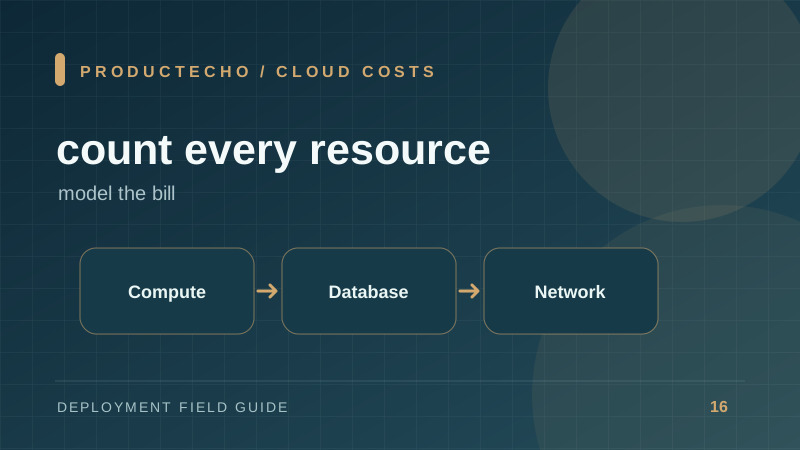
What Does It Cost to Deploy a Small Full-Stack App?
Estimate compute, database, storage, network, logs, and idle capacity before choosing a cloud path.
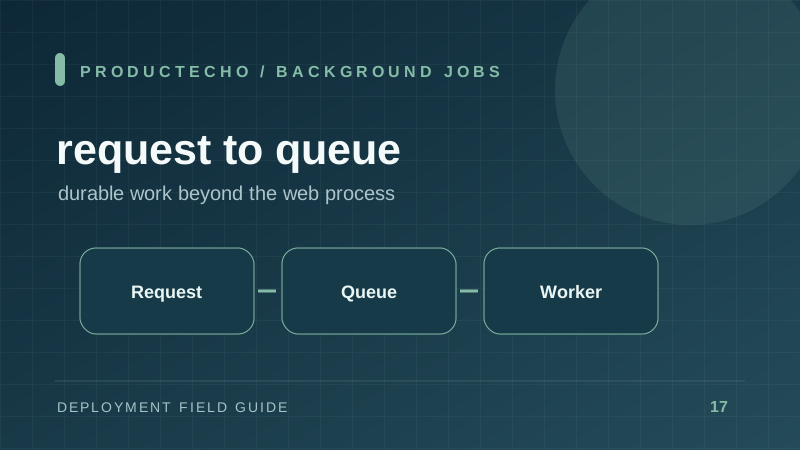
Background Jobs and Cron in a Deployed Web App
Move slow work off the request path and prevent duplicate scheduled tasks when your app has multiple replicas.
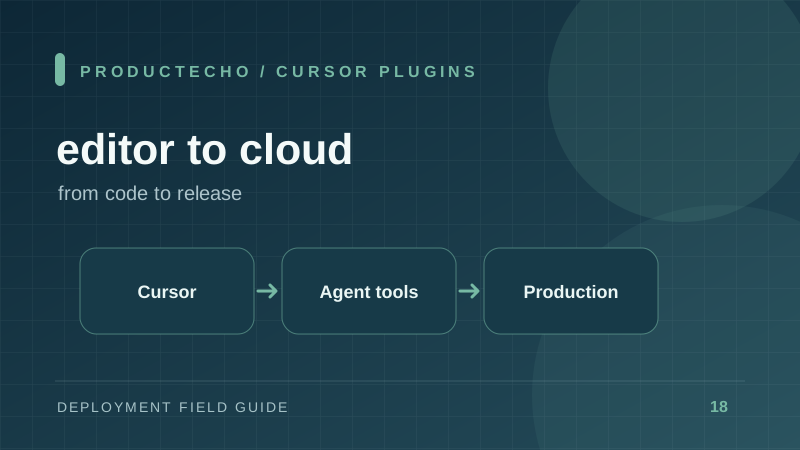
Cursor Integrations for Team AI App Development
Understand Cursor extensions, rules, and MCP tools, then choose integrations by workflow, permission scope, and verifiable results.
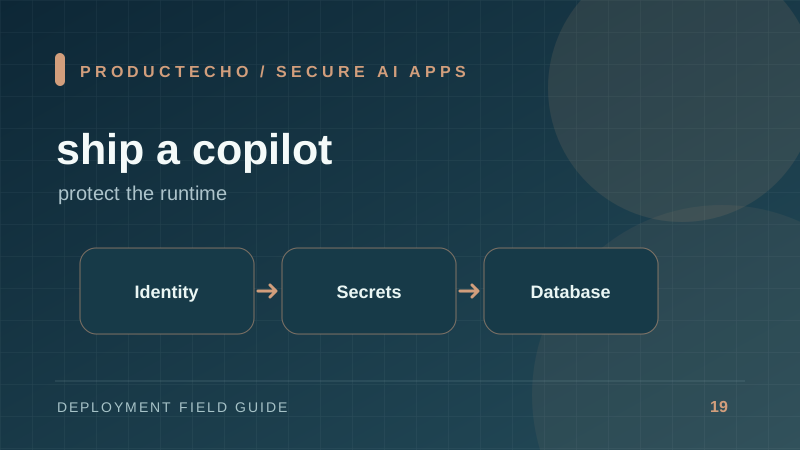
How to Deploy AI Copilot Apps Securely
Learn how to deploy AI copilot applications securely with production-ready hosting, environment separation, secret management, access controls, protected databases, and reproducible deployments.
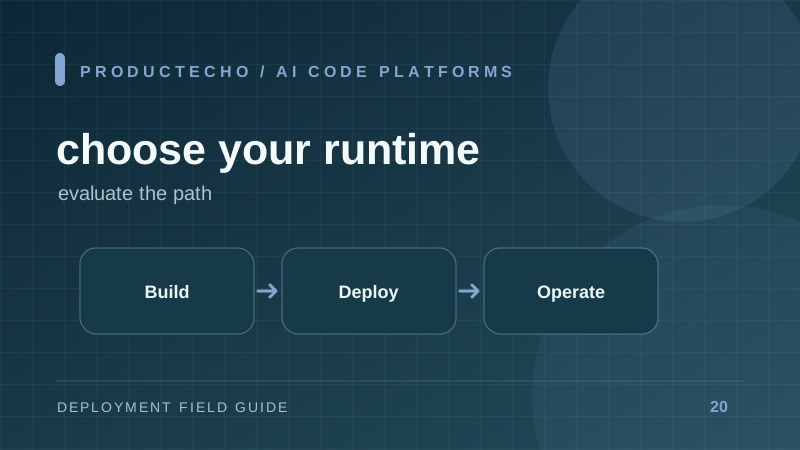
How to Evaluate a Platform for AI-Generated Code
Test build, runtime, data, delivery, and access controls with a real app and a deliberate failure drill.
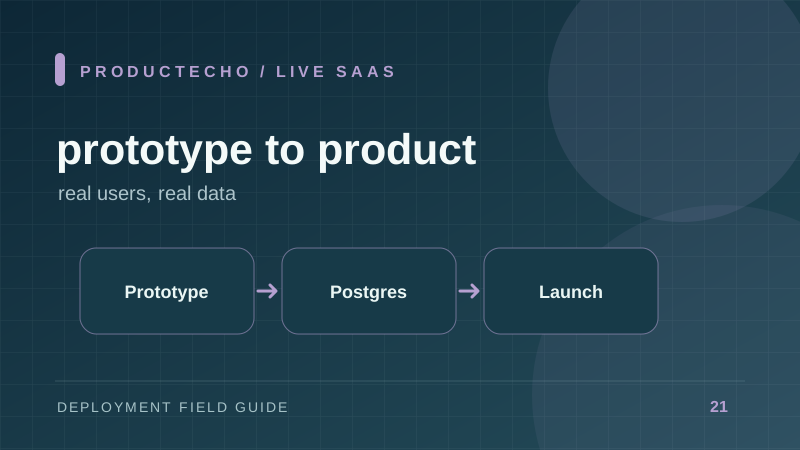
How to Launch AI Prototypes as Live SaaS
Learn how to turn AI-generated prototypes into live SaaS products with production-ready architecture, PostgreSQL, secure environments, repeatable deployment, and minimal infrastructure work.
Need product documentation?
Get started with ProductEcho, connect your AI agent, and learn how to deploy applications through MCP.
Open documentation