
Custom Domains, DNS, and HTTPS for a New App
Understand DNS records, TLS certificates, and the verification steps that make a deploy reachable by name.
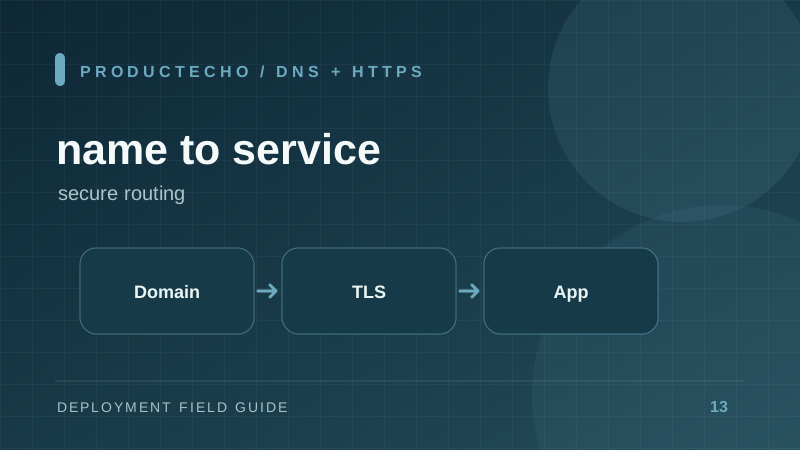
Four separate systems make a domain work
A custom domain involves a DNS record, a host mapping on the deployment platform, a TLS certificate, and the application's own redirects or callback URLs. A browser can fail at any one of these layers. Treating “DNS propagated” as the end of setup misses the certificate and routing steps.
The platform usually gives you a target hostname or address. Add your custom hostname in its domain settings, then create the exact DNS record it requests. A subdomain often uses CNAME. The apex domain may need ALIAS, ANAME, or provider-specific flattening because ordinary CNAME rules do not fit the apex alongside other records.
Trace the request
DNS only gets the browser to an address. The edge must still recognize app.example.com and present a certificate that covers it. A certificate for the platform's default domain does not cover your custom hostname.
Use dig +short app.example.com to check DNS and curl -Iv https://app.example.com to inspect TLS and the HTTP response. A correct DNS answer with a certificate error points to issuance or hostname configuration, not application code. A valid certificate with a 404 may mean the edge does not map that host to your app.
The app needs to know its new public origin
After the domain works, update OAuth redirect URIs, email links, CORS allowed origins, cookie domain settings where used, and absolute URL generation. Decide whether www.example.com or example.com is canonical and redirect the other. Avoid redirect loops caused by disagreeing proxy and app HTTPS settings.
DNS caches respect TTLs but different resolvers can hold old answers temporarily. Do not delete the old target until the new route and certificate are healthy. Test both an uncached resolver and an ordinary browser session.
Diagnose by symptom instead of waiting longer
If dig returns the old target, investigate the record and resolver cache. If it returns the new target but the browser reports a certificate mismatch, check whether domain validation finished and whether the certificate covers that exact hostname. If TLS succeeds but the page is a platform 404, inspect the host-to-app mapping. If the app loads but login fails, inspect callback URLs and cookies.
These are different failures; “DNS propagation” is not a useful diagnosis for all of them. Compare the apex and www hostnames independently. A certificate can cover one while the other redirects incorrectly, and a CNAME for a subdomain does not automatically configure the apex.
For a launch cutover, lower the existing record's TTL ahead of time if your DNS provider and traffic plan allow it. Keep the old app available during the transition, monitor both hostnames, and raise the TTL only after the new route is stable. A low TTL helps cache turnover but cannot compensate for an invalid record or missing TLS setup.
Further reading
Cloudflare's DNS record reference explains record choices. Let's Encrypt's certificate overview explains why domain validation and issuance are distinct from DNS routing.