
Connect a Production App to PostgreSQL Safely
Use a connection URL, TLS, pooling, migrations, and least-privilege credentials without leaking database secrets.
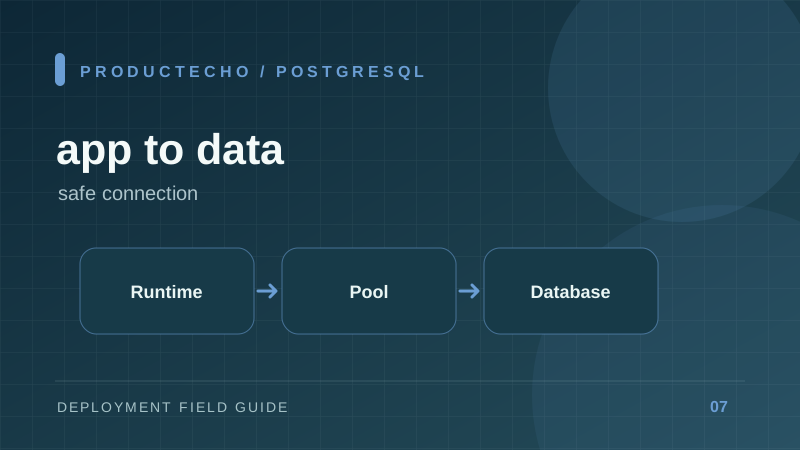
A database connection is a budgeted resource
A production app normally connects to PostgreSQL over the network. The URL contains a host, database, user, and password, but it does not decide how many connections your application opens. That is the job of the client pool. Five app replicas with a pool maximum of 20 can request 100 database connections before migrations, admin tools, or monitoring connect.
Start with a small pool and measure wait time, query duration, and server connection usage. A larger pool is not automatically faster; it can make a saturated database slower. If the platform scales rapidly, consider a connection pooler and account for its transaction semantics.
Keep DATABASE_URL in runtime configuration, not in source or the browser bundle. Use separate database users and databases for staging and production. TLS requirements vary by provider; follow the provider's certificate and connection instructions rather than disabling verification merely to make a connection succeed.
Separate connecting, migrating, and querying
A successful TCP connection means little if the schema is absent or the user lacks table permissions. Treat these as separate checks. First verify connectivity and authentication. Then apply migrations with a controlled release job. Finally exercise a read and write using the same application role used in production.
The migration role may need privileges the application role should not have. If you use separate roles, the app can read and write data without being able to drop tables. Test grants after every schema change.
Backups are not the same as recovery
A scheduled backup is useful only if you know its retention, consistency, and restore procedure. Practice restoring into a separate database and measure how long it takes. Also decide the acceptable data-loss window: a daily backup can lose nearly a day of writes. Managed PostgreSQL often offers point-in-time recovery, but it must be enabled and tested for the plan you use.
Why a connection pool can become an outage
Take a database that permits 100 client connections. Six app replicas with max: 20 can demand 120, even before migrations and admin sessions. Requests then wait or fail while the database spends resources managing connections. Reducing each pool to five gives a 30-connection ceiling, leaving room for other clients. The right number depends on query latency and measured concurrency, not a universal rule.
Look for pool wait time separately from query execution time. A slow query makes connections busy longer; increasing the pool may merely move the bottleneck into PostgreSQL. Add an index or fix an N+1 query before paying for a larger database tier.
Connection strings also carry operational surprises. An app may work locally with a direct hostname but fail from a private runtime that lacks a route to the database. DNS resolution, TLS validation, network policy, authentication, and grants are separate checks. Test each in that order, then run a small read/write transaction with the app's actual role.
Further reading
PostgreSQL connection parameters defines URL and TLS options. PostgreSQL backup approaches explains dump, file-system, and continuous-archiving choices. See also rolling-safe migrations.