
Dockerfile vs Buildpacks: Which Should Deploy Your App?
Compare automatic runtime detection with an explicit container recipe, and learn when to switch.
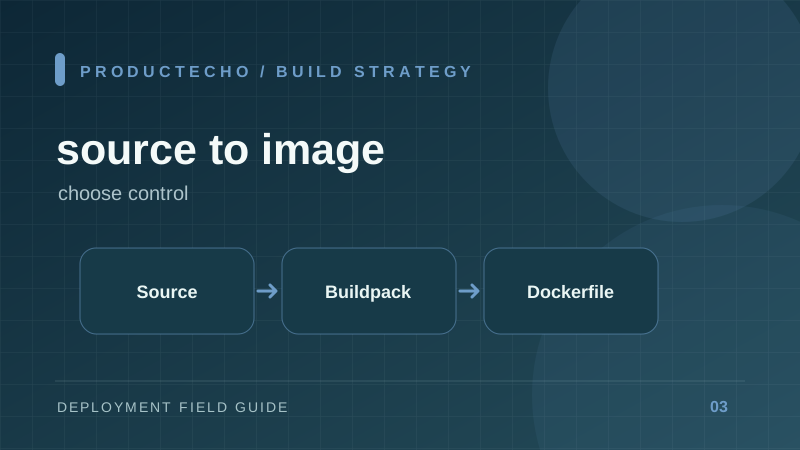
Two ways to turn source into a runnable image
A buildpack detects a supported application and assembles an image using conventions. A Dockerfile specifies the steps directly. Both produce a container image; neither removes the need to know the start command, runtime port, environment variables, and files the app uses after build.
The practical question is how unusual your build is. A conventional Node or Python service with a committed lockfile is often a good automatic-build candidate. Native system packages, a multi-package workspace, browser binaries, or a custom compiler pipeline usually benefit from an explicit Dockerfile.
Reproducibility starts before the builder
Pin the language version and dependencies. Commit the lockfile. Test from a clean checkout instead of relying on local node_modules or a virtual environment. A Dockerfile that copies package.json but ignores the lockfile still allows dependency resolution to drift. A buildpack cannot infer an uncommitted runtime file.
This is only an example for a Node app that outputs dist/server.js. It does not fit a Next.js app or a monorepo unchanged. The second stage leaves source and build tools behind, but it still copies the dependencies installed in the first stage. For a smaller runtime image, prune development dependencies or install production dependencies in a dedicated stage after building.
The build context is a security and correctness boundary
The final argument to docker build chooses which files Docker can see. A broad context may send secrets, test fixtures, and local outputs to the builder unless .dockerignore excludes them. A narrow context can omit shared packages or a root lockfile. Choose it deliberately, especially in a monorepo.
Never pass production secrets as Docker ARG or embed them with ENV in the image. Build-time credentials belong in Docker secret mounts; runtime credentials belong in the deployment environment. A secret copied into a layer can remain recoverable even after a later RUN rm.
When to switch
Use automatic builds until you can point to a concrete unsupported step. Switch to a Dockerfile when you need control over OS packages, build stages, nonstandard workspace paths, or a precise entry point. Keep the file small enough that another engineer can explain every COPY and RUN line.
Debug the build by stage
When a build fails, first identify the stage: dependency resolution, compilation, image assembly, or startup. A missing package during install is different from a binary that links on the builder but not in the runtime image. Multi-stage Dockerfiles can accidentally omit templates, certificates, or native shared libraries that the application loads only after startup.
Inspect the finished image, not just the successful build log. Run it locally with the production start command and a test port. Try a real route that reads a file or calls a native dependency. For buildpacks, inspect detected runtime and launch command; a correct image can still start the wrong process if there are several possible entry points.
If an image is unexpectedly large, examine which directories are copied. Excluding .git, test output, local modules, and credentials with .dockerignore reduces context transfer. It does not replace choosing a correct build context: exclude noise while retaining the lockfile and shared packages the build needs.
Further reading
Docker build context, multi-stage builds, and build secrets cover the three failure-prone parts of this choice.