
How to Deploy One App From a Monorepo
Choose the right app directory, build context, dependencies, and environment when several services share one repository.
What is the deployment unit?
A monorepo is a source-control boundary, not a deployment boundary. One commit may touch a Next.js storefront, an API, and a shared package. Those are three different build and release concerns. A deployment should name the application it runs, the source it needs, and the command that starts it.
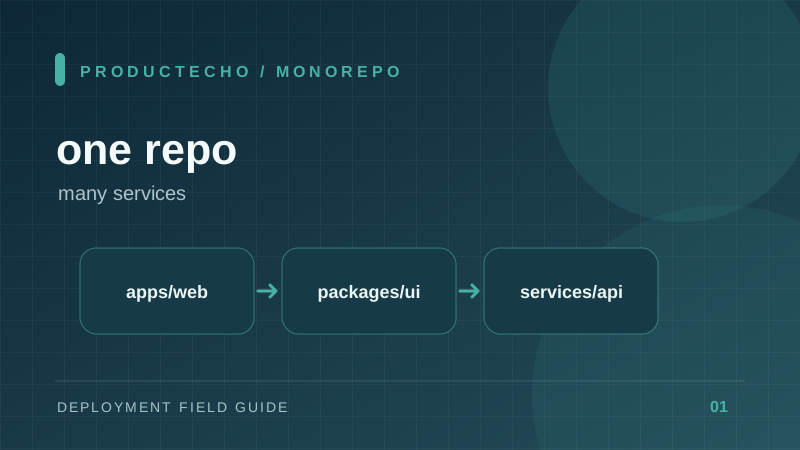
Imagine apps/web, apps/api, and packages/ui. The web app imports UI code, but the API does not. If a platform builds the whole repository as one service, it has no unambiguous start command. If it copies only apps/web, it may lose the root lockfile and packages/ui. Both failures come from confusing an app root with a build context.
Root directory and build context are different
The app root tells tooling which manifest and runtime to inspect. Docker's build context is the set of files a Dockerfile can read. COPY cannot reach outside that context. In a workspace, the context often must be the repository root even when the Dockerfile lives in an app directory.
From repo/, docker build -f apps/web/Dockerfile -t web:local . selects the web Dockerfile while the final . supplies the entire repository as context. Running docker build apps/web instead excludes the root lockfile and shared package. The correct context depends on how dependencies are resolved; a self-contained app may need only its own directory.
Follow the dependency graph
First run the build from a clean checkout. Find the lockfile actually used by the package manager. Then trace local dependencies in package.json or the equivalent manifest. A workspace dependency such as @acme/ui must be available during install and build, even if only the web app is deployed.
Deploy the API and web app separately. They may share a commit SHA, but they need independent health checks, environment variables, ports, and rollback decisions. A database migration belongs to the service that owns the schema, not to every app that happens to live in the repository.
A safe release sequence
- Build each affected app from the same commit SHA.
- Run tests for changed shared packages and their consumers.
- Deploy the API with backward-compatible schema changes before a web release that needs them.
- Verify each app's public route and a real dependency path, not just a successful image build.
ProductEcho's repository integration can select a root_directory for an application. That chooses the project to deploy. For workspaces with shared files outside that directory, inspect the build strategy and use a repository-root Docker context when required. The same distinction applies on any platform.
Further reading
Docker's build context documentation defines exactly what COPY can access. npm workspaces explains how local packages are linked from the root install.