
How to Deploy a Next.js App to Production
Build, start, configure, and health-check a Next.js server without confusing static output with server rendering.
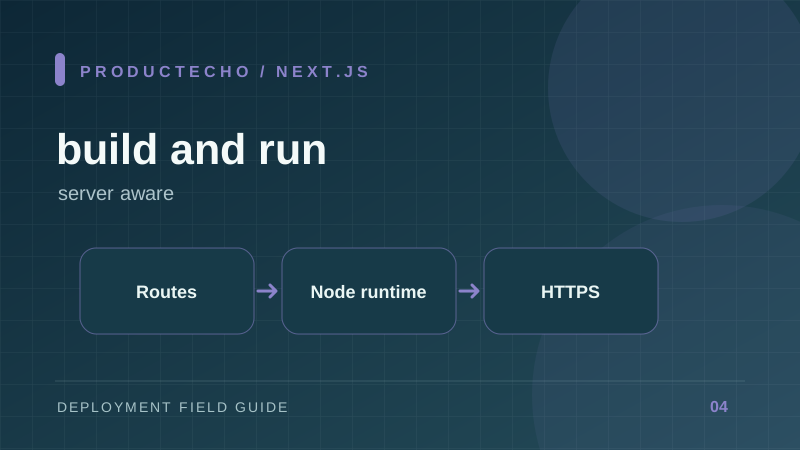
First decide what kind of Next.js app you have
Next.js can run as a Node server, in a container, or as a static export. These are not interchangeable outputs. A static export serves generated files but cannot perform server actions, request-time rendering, or route handlers that need a server. A Node server supports the full application model.
Inspect the routes before choosing hosting. If login reads cookies on the server, an API route writes to a database, or content depends on request headers, plan for a server runtime. If every route is truly static and data is fetched only in the browser, a static export may be sufficient.
Build once, then run the production server
next dev is a development process. The production path is a clean dependency install, next build, then next start or a standalone server output. Run a smoke test against the built version because development mode can hide production-only failures.
The bind address matters inside a container: listening only on loopback can make the app unreachable from the platform proxy. Match the actual listening port to the platform's target port. If the platform provides PORT, make sure your start command uses it rather than hard-coding a different value.
Understand the two moments for configuration
Next.js inlines NEXT_PUBLIC_ values into browser JavaScript during next build. Changing one after the image is built does not update the browser bundle. Server-only values can be read at runtime during dynamic rendering, subject to the route's rendering behavior. This difference matters when promoting one image from staging to production.
Keep API keys and database URLs out of NEXT_PUBLIC_. Do not assume a variable is secret simply because it came from a platform setting; if it is referenced in client code with the public prefix, it is public.
Test the routes that make the app real
- Load a page directly, not only through client-side navigation.
- Exercise a route handler or server action that reads and writes data.
- Verify login, cookies, redirects, and callback URLs on the deployed domain.
- Check static assets and images as well as the HTML response.
- Inspect runtime logs after the build succeeds.
If only the landing page works, you have tested a page, not the application. Keep a small set of smoke checks that represent its actual production behavior.
A worked deployment failure
Suppose the HTML page loads, but a server action fails with a missing database URL. The build ran successfully because the route did not need that value during compilation. At runtime, the server process did. The fix is to inject the private variable into the running service and verify it exists before accepting traffic. Rebuilding with NEXT_PUBLIC_DATABASE_URL would expose the credential and is the wrong fix.
Now suppose staging uses one public API URL and production another. If that value is NEXT_PUBLIC_API_URL, each build embeds its own URL. Promoting the staging image to production leaves the staging URL in browser code. Either build separately and test both artifacts, or redesign the configuration so the browser calls same-origin routes and the server chooses the upstream at runtime.
For container deployment, check the chosen output mode. Standalone output copies the files traced for the server but custom server code may need special handling. Static export is a different artifact with fewer features. Document which mode the project uses so a future route handler does not silently invalidate the hosting plan.
Further reading
Next.js deployment options explains server versus static output. Next.js environment variables documents build-time public values and runtime server values.