
What Does It Cost to Deploy a Small Full-Stack App?
Estimate compute, database, storage, network, logs, and idle capacity before choosing a cloud path.
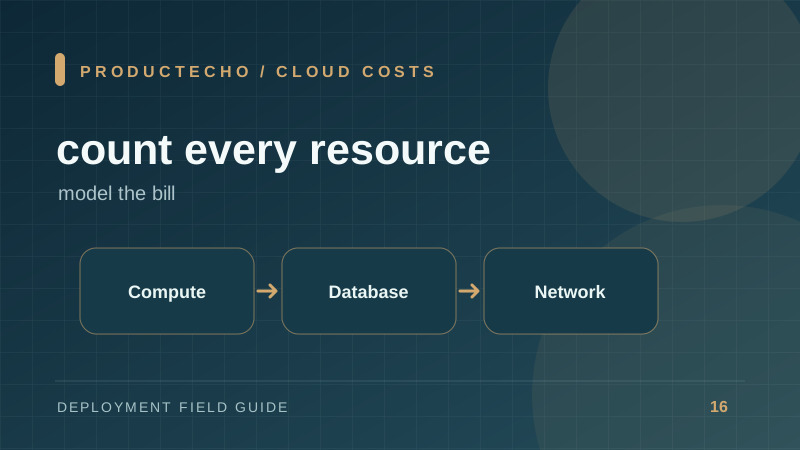
Why “small app” does not imply a tiny bill
A full-stack app may use little CPU and still pay for always-on resources. A database, load balancer, log retention, backups, and network egress can create a monthly floor before users arrive. The price model is therefore about the architecture, not only request count.
Separate fixed and variable costs. Fixed costs include continuously provisioned compute, database capacity, and some networking components. Variable costs include CPU time on usage-based runtimes, data transfer, storage growth, requests, and third-party API calls. Review current provider prices for the region and plan you will use; published rates change.
Build a workload estimate first
Write down expected active users, requests per user, average response size, database storage, background-job minutes, and log volume. Apply a peak factor instead of only using daily averages. Then map each quantity to the resources your deployment path requires.
This is a worksheet, not a pricing formula supplied by a vendor. Some managed platforms bundle components; others meter them separately. Compare the same workload and availability target, including a staging environment and backups.
Look for costs caused by design choices
An app that holds every request open for a long AI task consumes more concurrent capacity than one that queues jobs. Unbounded debug logs can become a meaningful storage and ingestion cost. A database with no connection limit may require a larger tier just to handle too many idle connections.
Reducing cost is not simply choosing the cheapest instance. A single tiny VM may be inexpensive but offers a different recovery and operations model from a managed multi-instance service. Include the engineering time spent on patches, certificates, monitoring, backups, and incident response when comparing approaches.
Measure after launch
Set a budget alert before public traffic. Tag resources by environment and app. After the first week, compare the estimate with actual compute, database, egress, and logs. Remove idle staging resources where practical, adjust retention, and right-size based on observed peak behavior.
Compare two architectures on the same worksheet
Imagine a small API with a few hundred daily users and persistent data. One design uses a managed app runtime and managed PostgreSQL. Another uses ECS with a load balancer, private tasks, NAT or endpoints, and RDS. The second can offer finer control, but the network and database resources can set a fixed cost floor independent of daily request volume.
Estimate both at the same uptime and backup target. Do not compare a single unbacked VM with a managed high-availability service as if they provide the same recovery properties. Include at least one staging environment if your release process requires it. Use the provider calculator, then validate against the first bill.
Cost alerts should be actionable. An alert at 80% of a monthly budget is useful only if someone owns it and knows whether a spike comes from compute, data transfer, logs, or a third-party API. Tag each environment and review cost per deployed app, not only the account total.
Further reading
AWS Pricing Calculator supports a service-by-service estimate. AWS Cost Explorer documentation explains how to inspect real usage after deployment.