
Environment Variables and Secrets in Production
Separate build-time public values from runtime credentials and prevent accidental exposure in logs, images, and Git.
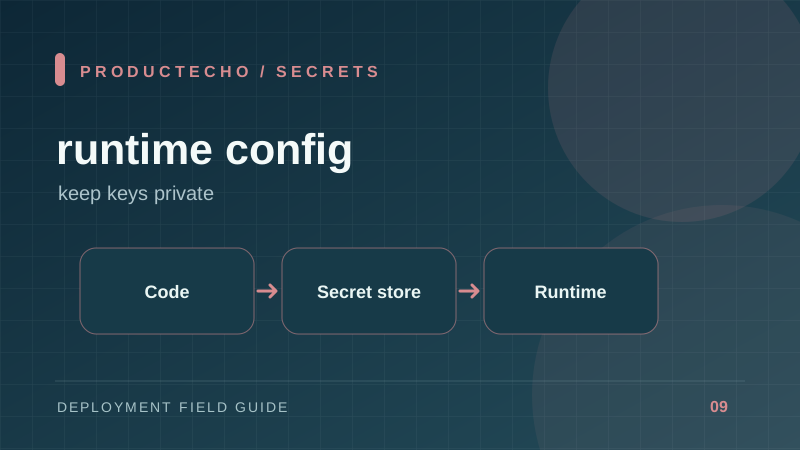
Configuration and secrecy are different concerns
Environment variables tell a process which database, API endpoint, or feature setting to use. The variable mechanism does not make a value secret. A value can leak through logs, a client bundle, a build layer, a crash report, or a copied .env file.
Classify each value before deploying: public build-time configuration, private runtime configuration, and build-time credentials. Each class has a different exposure path. In Next.js, for example, NEXT_PUBLIC_ values are inlined into browser JavaScript at build time. They must be treated as public even when entered into a “secret” field in a dashboard.
Keep the build artifact free of production credentials
Do not put live credentials in Dockerfile ARG, ENV, or a copied .env file. Image layers and build logs may retain them. If a private package registry is needed during build, use the builder's secret mount or a similarly scoped credential mechanism. Inject database and API credentials only when the process runs.
The example file should contain placeholders, not realistic credentials. Automated secret scanning is useful, but it cannot replace code review. Search Git history if a credential was committed: removing it in a later commit does not invalidate the leaked value.
Rotation needs overlap
For a leaked or expiring secret, issue a new credential, update the runtime, verify the new one works, then revoke the old one. Where a provider supports it, overlap prevents a hard outage during rollout. If both credentials cannot coexist, plan a coordinated cutover and a fast rollback path.
Give separate credentials to development, staging, and production. Limit permissions to the operations the application needs. A read-only analytics integration should not use an admin API token.
Follow one leaked key through the response
Suppose a production API key appears in a CI log. First revoke or rotate the key at its issuer; editing the workflow does not stop anyone who already copied it. Then find how it entered the log: shell tracing, a printed environment, an exception message, or a command that echoed a URL with credentials. Remove that path and inspect whether the log was exported elsewhere.
The same order applies to a key committed to Git. The repository history may be replicated in forks, caches, and developer clones. History rewriting can reduce exposure, but rotation is the decisive security action. Add a regression check that blocks the same mistake, such as secret scanning and a test that error logs redact connection strings.
For normal rotation, know which processes cache configuration. Updating a dashboard value may not refresh running containers until a restart or redeploy. Verify the new value through a harmless operation, then revoke the old credential after the overlap window.
Further reading
Docker build secrets explains why build arguments are unsuitable for secrets. Next.js environment variables documents browser inlining. The Twelve-Factor App's config principle gives the underlying separation of code and configuration.