
Cursor Integrations for Team AI App Development
Understand Cursor extensions, rules, and MCP tools, then choose integrations by workflow, permission scope, and verifiable results.
Start by separating the integration types
“Cursor plugin” can refer to different things: an editor extension, project rules that shape agent behavior, or an MCP server that gives the agent tools. They solve different problems. An extension changes the editor experience. Rules provide reusable instructions. An MCP server can let the agent inspect or change an external system, such as a repository, database, or deployment platform.
For a team shipping an application, rank integrations by the bottleneck they remove. A formatter may improve code consistency. A database tool can inspect schema. A deployment tool can make the app live. Installing many tools without a clear task increases permission surface and makes agent behavior harder to reason about.
Evaluate the tool boundary
Before connecting an MCP server, ask what actions it exposes, what credentials it receives, and whether operations are scoped to the current workspace. A read-only documentation tool is different from a tool that can delete a database or deploy to production. Team members should be able to see which server and version are configured.
Prefer narrow credentials and separate development from production. Review tool calls before running destructive actions. An agent's natural-language instruction is not a replacement for resource permissions or an audit trail.
Test the workflow end to end
The meaningful test is not whether the tool appears in Cursor's settings. Ask the agent to perform a small, observable task: inspect a known table, run a test, or deploy a disposable example. Check the result outside the agent's summary. A successful tool call can still target the wrong environment or produce a build that never becomes healthy.
For a deployment integration, verify the source commit, environment, runtime logs, live URL, and a real app route. For a database integration, verify that the agent did not expose credentials in chat or commit them into the repository. Repeat the task from another teammate's setup to catch undocumented local configuration.
A practical team shortlist
- Versioned project rules for conventions and architecture.
- A repository integration for code and issue context.
- A scoped database tool for development schema inspection.
- A deployment tool with clear environment selection and observable results.
- Tests and lint that run independently of the agent's confidence.
The “best” set is the smallest one that makes the team faster while preserving reviewability. Add a new integration only when a repeated workflow justifies its permissions and maintenance cost.
Why more tools can make the agent less useful
An agent chooses among available tools based on their descriptions and the current task. If a workspace exposes several overlapping database and deployment servers, the agent can choose the wrong one or spend time resolving ambiguity. Prefer one well-documented path per capability. Name environments clearly and remove integrations the team no longer uses.
Write down the intended workflow in repository documentation: how to run tests, where deployments go, and which operations require a human review. Test those instructions with a new teammate. A tool configuration that works only on one developer's machine is a personal shortcut, not a team integration.
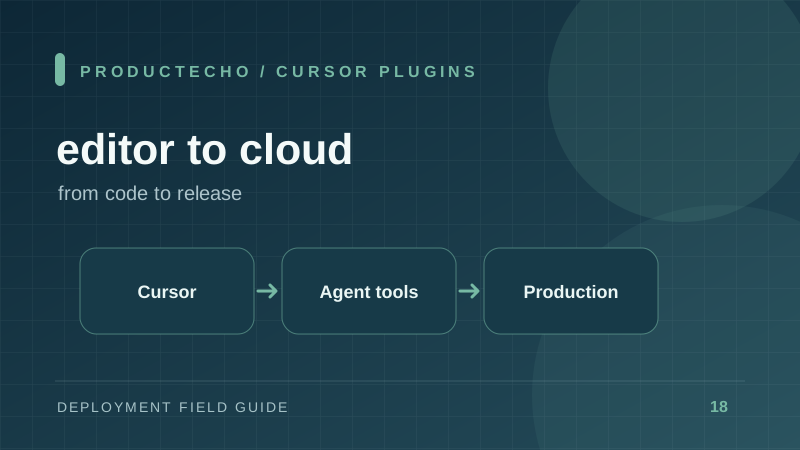
Finally, review updates. A tool server can change its capabilities or permissions over time. Treat it like a dependency: know its owner, review changes, and limit credentials. The goal is a reproducible editor-to-production workflow, not the longest plugin list.
Further reading
Cursor's MCP server documentation describes tool integration. Cursor's project rules explains versioned instructions. Model Context Protocol security considerations explains authorization and trust boundaries.