
Vibe Coding to Production: What Breaks First and How to Fix It
Five things a vibe-coded app gets wrong first, each with a 30-second test and a paste-ready prompt for Claude Code or Cursor.
It works on your laptop. Customers run a different test.
Vibe coding gets you a prototype that works for exactly one person: whoever wrote the prompt. Going from vibe coding to production means passing a different test, and the failures show up in the same order every time.
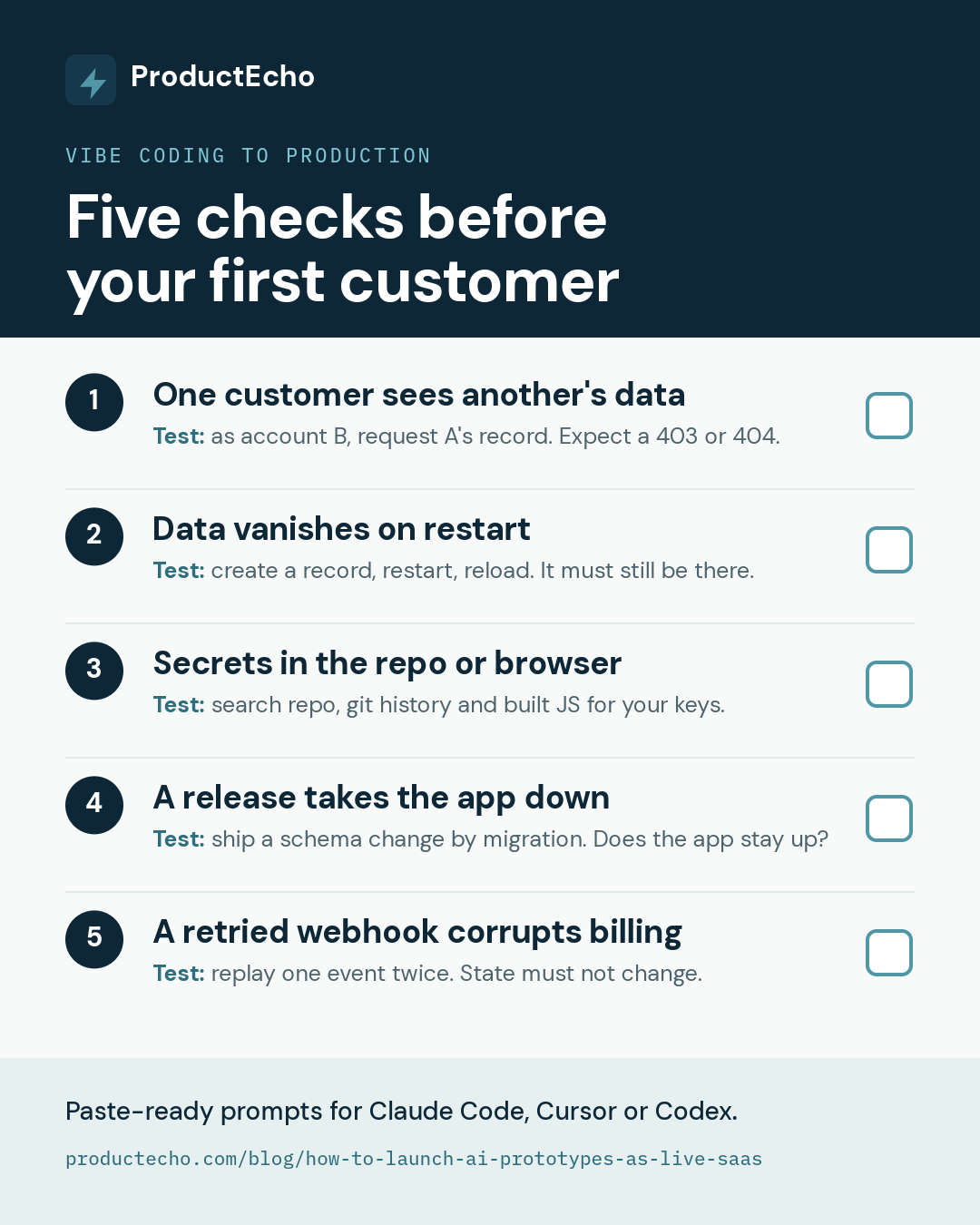
Below are the five things a vibe-coded app gets wrong first. Each has a 30-second test and a prompt to paste into Claude Code, Cursor, or Codex. Run them before your first customer does.
1. One customer can see another's data
The usual cause is a server that trusts an ID sent by the browser. The app looks fine to you because you only ever open your own records.
Test: create two accounts and a record in each. Signed in as the second account, request the first account's record. Expect a 403 or 404, not the data.
The scope belongs in the query itself, so it covers updates, deletes, exports, and background jobs too. Here $2 comes from the session, not the request:
Hiding a button is not authorization.
2. Data disappears when the app restarts
Prototypes often keep state in memory or in a local file. On most hosts an app's local disk is thrown away on every restart or deploy, and the data goes with it.
Test: create a record, restart the app, and reload. It should still be there.
3. Secrets end up in the repo or the browser
Generated code often hard-codes a key, commits a .env file, or reads a secret through a browser-exposed prefix such as NEXT_PUBLIC_ or VITE_. Anything with that prefix is shipped to every visitor.
Test: search the repository, its git history, and your built JavaScript for your API keys. Any hit is already public.
Rotate anything that was ever committed. Deleting it from the latest commit does not un-publish it. For the database URL specifically, see Connect an AI-Generated App to Production Data Securely. The Twelve-Factor App explains why configuration belongs in the environment.
4. A release takes the app down
A schema change made by hand-editing the production database, or a release that renames a column the running version still reads, takes the app down mid-deploy. A prototype has a plan for neither.
Test: make a small schema change and deploy it. Did it apply from a migration file, and did the app stay up while it rolled out?
5. A retried webhook corrupts billing
Payment providers retry webhooks, and a success page only proves the browser was redirected. Without a safeguard, a retry creates a second subscription row, and a failed payment never changes access.
Test: replay the same webhook event twice. The stored state must be identical after the second delivery.
Skip this one until you take payments, but do it before. Stripe's webhook guidance covers retries and signatures.
What a deploy covers, and what stays in your code
With the five checks passing, the deploy itself should be one prompt. In the recorded Claude Code session on the home page, the agent reads the project, creates a PostgreSQL 17 database, uploads the code, deploys it, and reports the live HTTPS address.
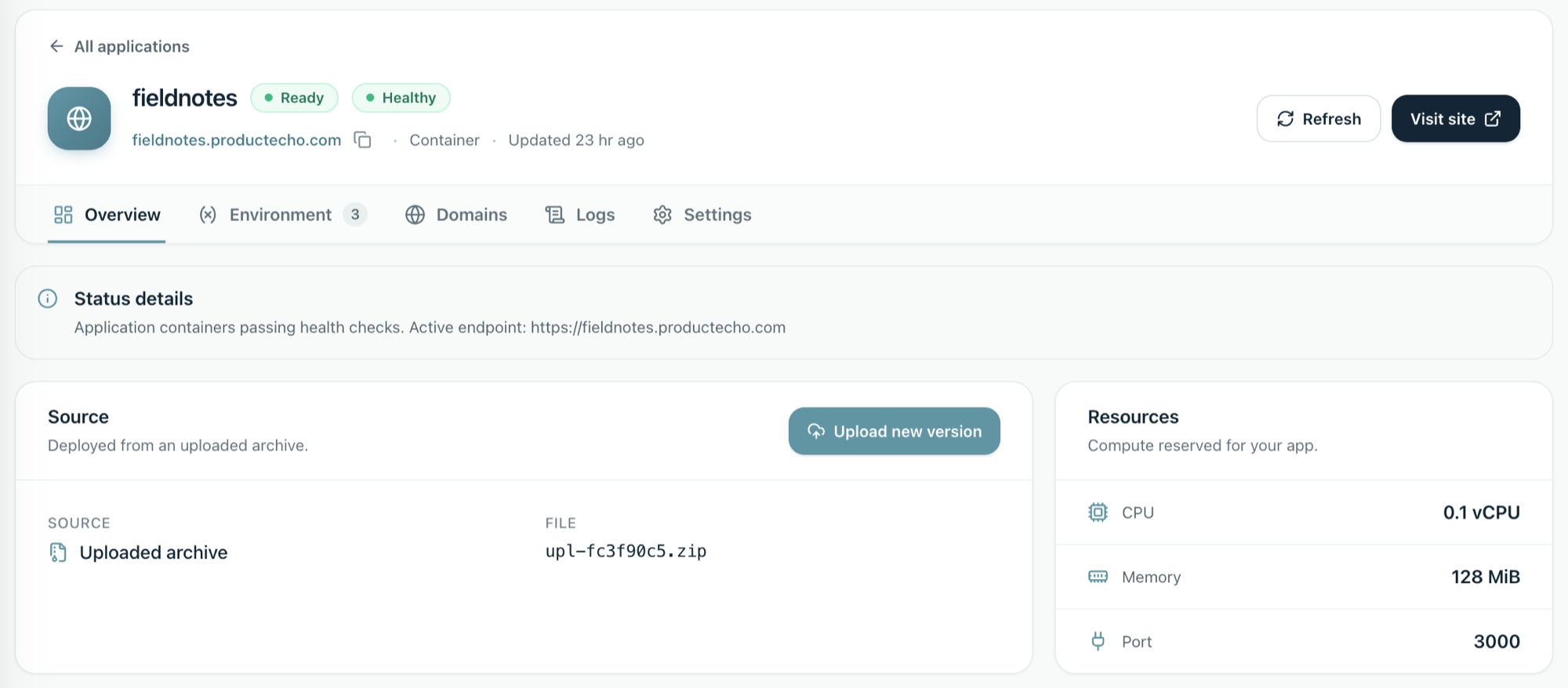
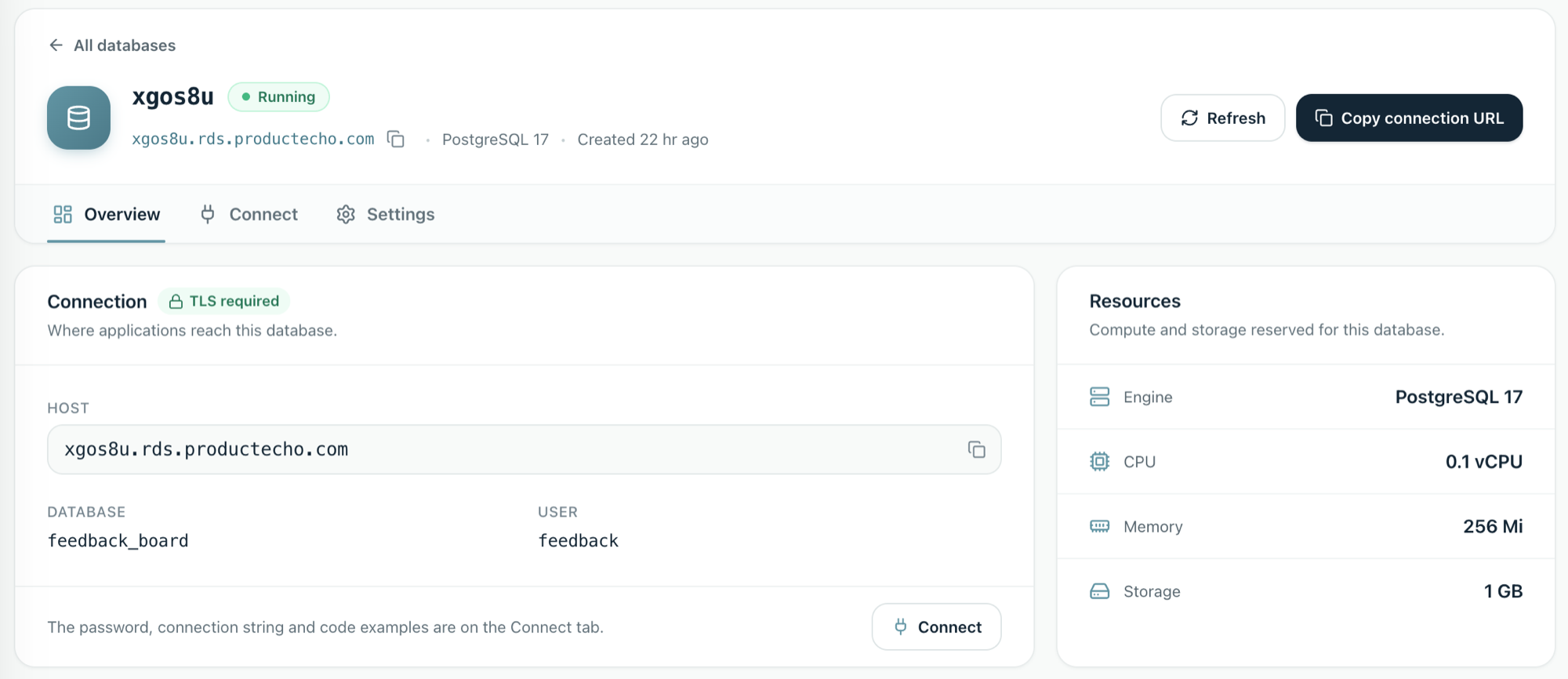
That covers check 2: the data lives in a managed database, outside the container. It also gives check 3 a home, because the app's keys and connection details are set as environment variables, not written into the code.
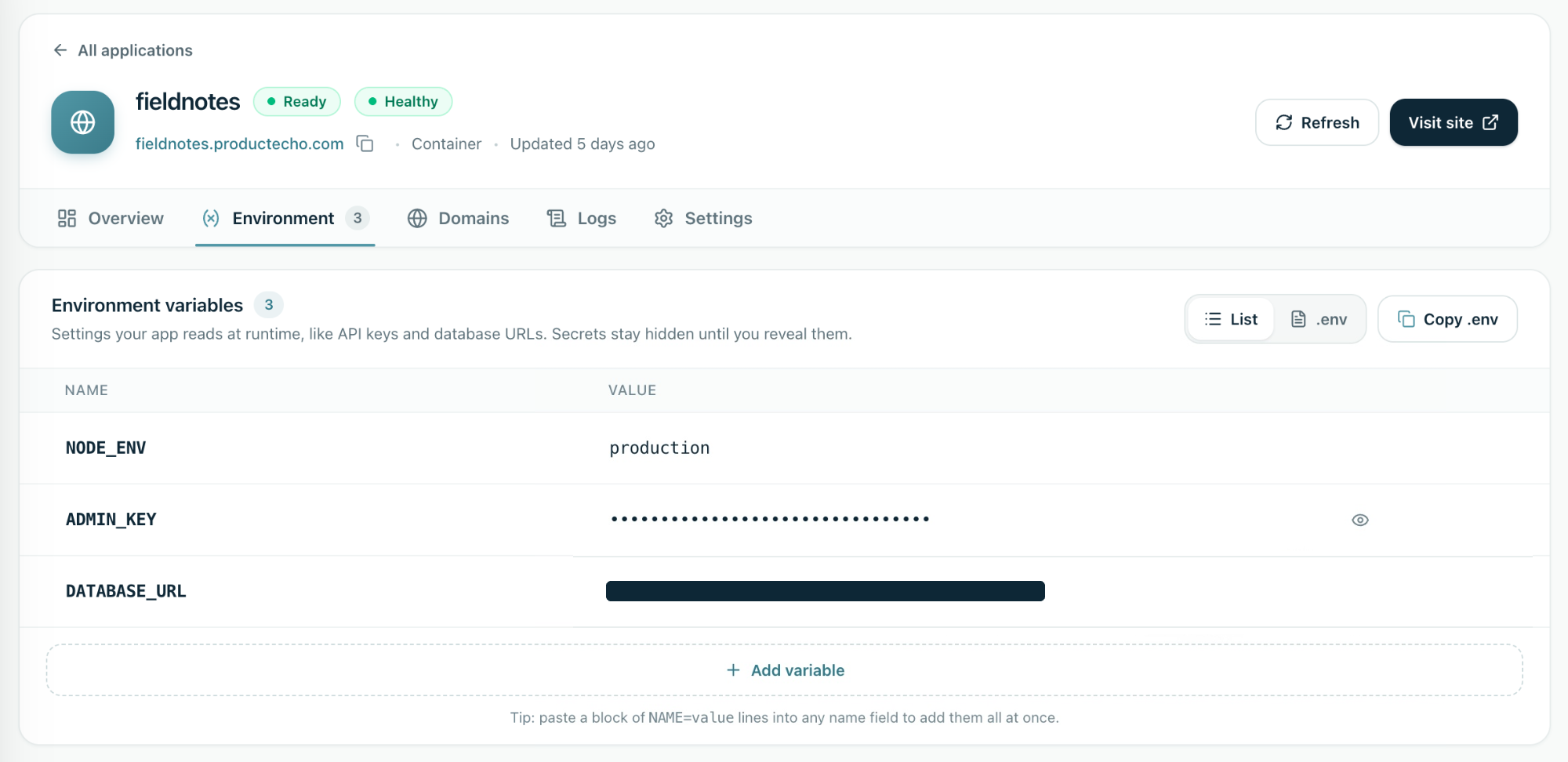
It cannot cover the other three. ProductEcho can't tell whether your queries are scoped to the right customer, whether your migrations are safe to roll out, or whether your webhook handler survives a retry. Those live in your code, which is why the prompts above are worth running first.
When the checks pass, connect your agent and deploy.