
Deploy from Claude Code to a live URL with MCP
Can Claude Code deploy an app? Yes, with an MCP tool. Install the ProductEcho plugin, run one prompt and get a live HTTPS URL, with PostgreSQL if needed.
Can Claude Code deploy an app?
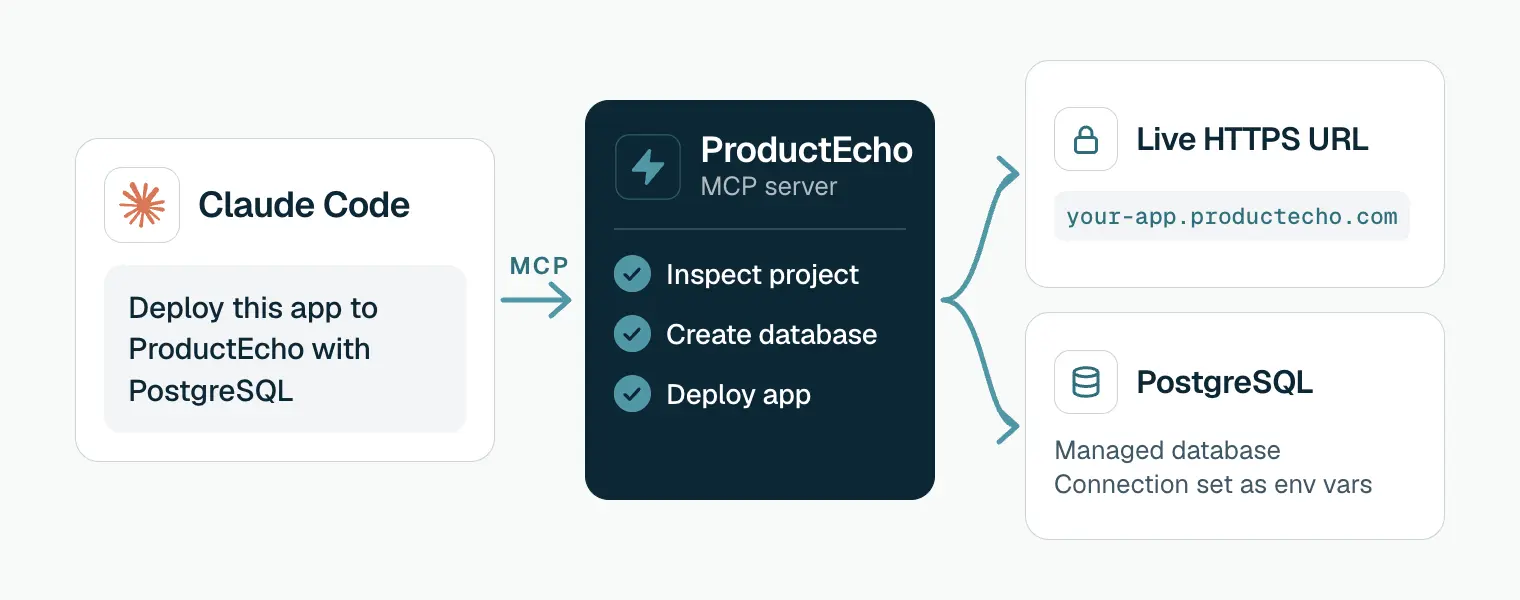
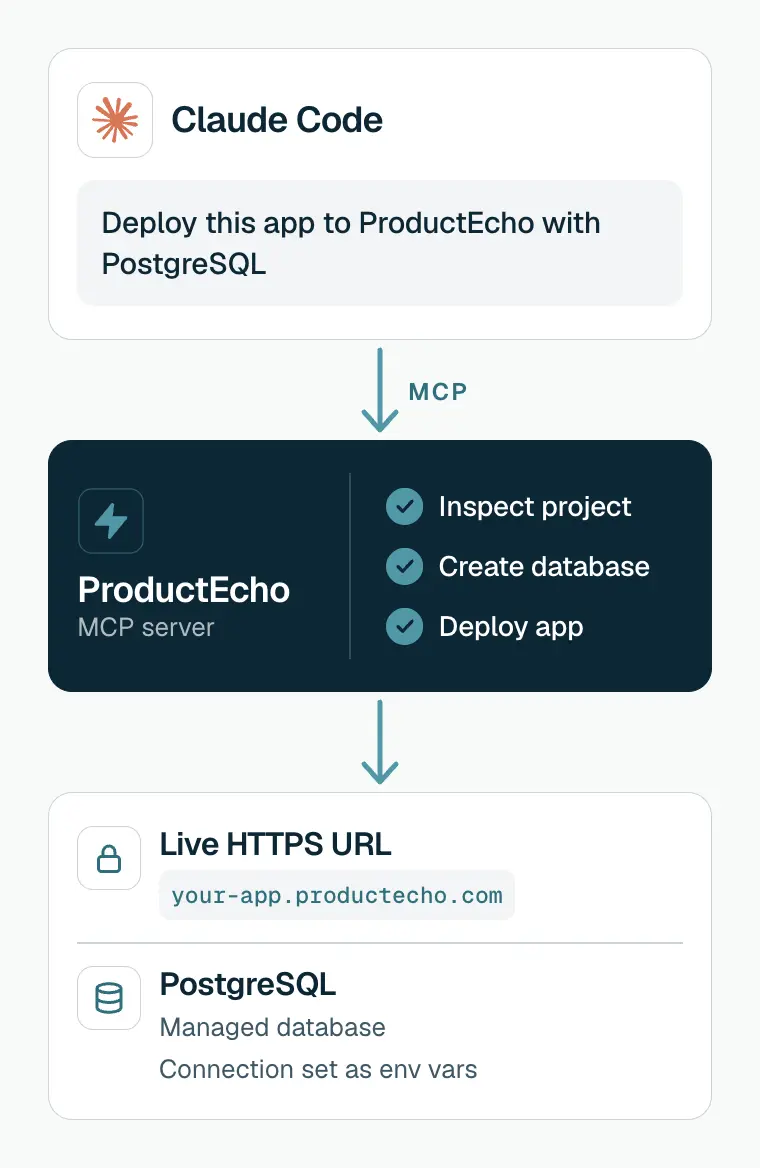
Yes. Claude Code writes and runs code on your machine but has no hosting of its own, so it needs a tool that does the deploying. Connect it to ProductEcho over MCP and one prompt is enough: Claude Code reads your project, creates a PostgreSQL database if the app needs one, uploads the code, deploys it, and gives you a public HTTPS URL.
This page is about deploying apps and websites that Claude Code built. Installing Claude Code itself on a server or for a team is a different job, covered in Anthropic's documentation.
Install the plugin once
Run these two commands in your terminal. They add the ProductEcho marketplace and install the plugin, which brings the deploy and PostgreSQL skills and the MCP server.
In a Claude Code session that is already open, run /reload-plugins. Typing / should now list /productecho-plugin:productecho-deploy.
Then sign in once. Run /mcp and follow the steps in your browser. The consent covers workspace discovery, deployments and database management, and Claude Code refreshes the token for you afterwards.
Setup for Cursor, Codex, other MCP clients and the API-key route for headless use is in Connect your coding agent.
Deploy with one prompt
Open your project in Claude Code and run:
Drop "with PostgreSQL" if the app has no database. Plain language works too, for example "Deploy this app to ProductEcho and give me the live URL." Claude Code asks for approval as it goes, and when it finishes it prints the URL. To see a real run first, watch the 32-second recording.
What Claude Code does during a deploy
Looks up your workspace
get_workspace_info to read your plan limits and the apps and databases you already have.Inspects the project
inspect_application_source to find the framework, the port and the environment variables the app expects, and to decide between a container and a static site.Creates the database
Uploads a clean copy of the code
node_modules, .git, build output, .env files and keys.Deploys and waits for Ready
deploy_application, then checks get_application_status until the app is Ready and returns its public HTTPS address.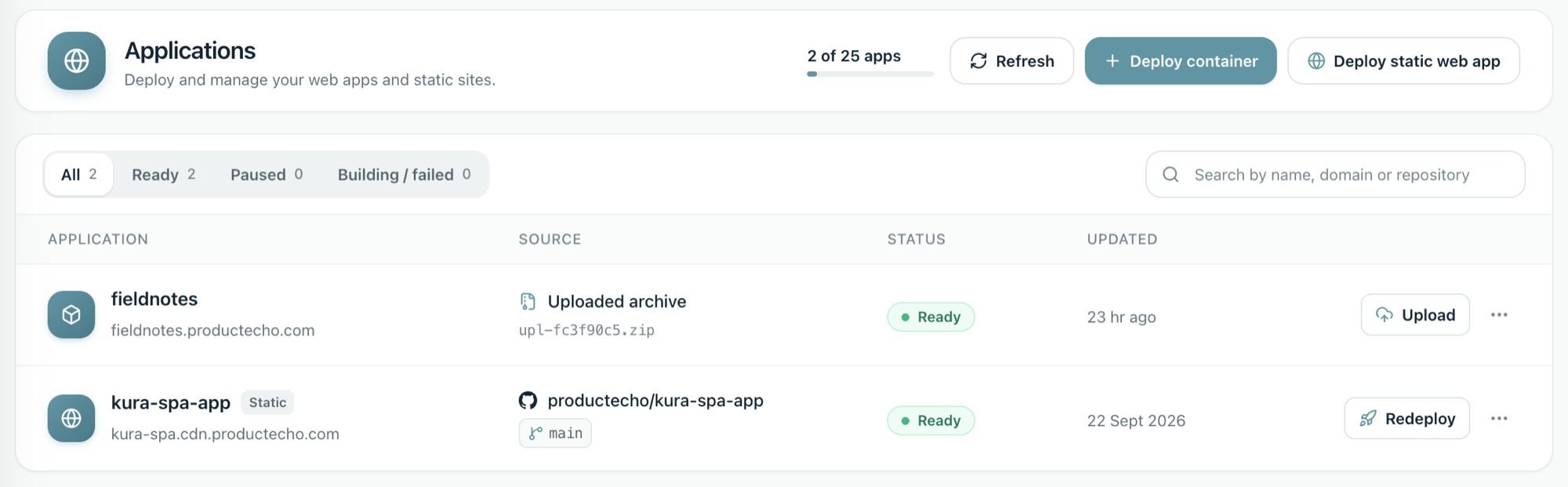
Each step and status, from upload to live URL, is explained in How a deploy works.
What you can deploy
| Your project | How it runs |
|---|---|
| Node.js, Next.js, Express and similar servers | Container at a productecho.com address. Runtime packages belong in dependencies, and the app must listen on PORT and bind to 0.0.0.0. |
| Python: FastAPI, Django, Flask | Container. Needs a production server in requirements.txt and a start command, from a Procfile or one you confirm. |
| Go | Container. Needs go.mod and go.sum at the project root, and reads PORT. |
| Java: Spring Boot, Quarkus, Micronaut | Container. Needs the ./mvnw or ./gradlew wrapper in the project. |
| Single-page apps that build to static files | Static site on a CDN at a cdn.productecho.com address, when inspection recommends it. |
| An API that only your other apps call | Container with no public address, called a private app. The other apps in your workspace call it at an internal address. See Private services. |
Projects with a Dockerfile run as containers. In a monorepo, Claude Code asks which project to deploy; see monorepo for AI-assisted coding. For a website that builds to static files, see Deploy a website.
Keep control of production
By default Claude Code asks before it calls an MCP tool, and ProductEcho flags deploys, environment updates, pauses and deletes as destructive, so you see each one before it runs. Two habits make that review count:
- Read the prompt for
deploy_application,update_application_envand any tool whose name starts withdelete_. The sign-in grants write access, and that includes deleting apps and databases. - Keep secrets out of the code. The upload skips
.envfiles, so set values as environment variables and let Claude Code read them back with sensitive values masked.
To go back to an earlier version, ask Claude Code to redeploy that version of your code.
Fix the common problems
The ProductEcho skill or tools are missing
Run /reload-plugins or restart Claude Code. In your terminal, claude plugin list shows whether productecho-plugin is installed.
The server says it needs authentication
claude mcp list shows ! Needs authentication until you sign in. Run /mcp and follow the steps in your browser. Claude Code stores and refreshes the token after that.
The deploy finished but the URL shows an error
Ready means the container started, not that your routes work. A gateway error usually means the app listens on the wrong port: it must bind to 0.0.0.0 and read the PORT variable. Ask Claude Code to check the port and redeploy, or follow why a deployment returns 502.
A Python deploy was refused
Without a Procfile, a Python app needs a start command. Claude Code proposes one from your code and asks you to confirm it before deploying.
Questions
Does Claude Code need a hosting account to deploy?+
Yes. Claude Code does not host anything itself, so you need a ProductEcho account. There is a free plan and no credit card is needed to start.
Can Claude Code deploy a website, not just an app?+
Yes. Single-page apps that build to static files are served as a static site on a CDN, and server apps run as containers. The project inspection decides which one fits.
Is it safe to let Claude Code deploy to production?+
You stay in the loop. Claude Code asks before MCP tool calls by default, and ProductEcho flags deploy, environment and delete tools as destructive. Treat the sign-in as write access to your workspace, read each prompt, and keep production secrets in environment variables.
Do Railway, Render and Vercel have MCP servers too?+
Yes, all three publish MCP servers, as do Heroku and Fly.io. The side-by-side comparison with sources is on the best MCP deployment platform page.