
Add a PostgreSQL database to your app on ProductEcho
Create a managed PostgreSQL 17 or 18 database from your coding agent, connect your app through DATABASE_URL over TLS, then resize or pause it.
What you get
Ask your coding agent for a database and ProductEcho creates a managed PostgreSQL database in your workspace, saves its connection string on your app as DATABASE_URL, and your app connects over TLS.
- PostgreSQL 17 or 18. 17 is the default.
- Its own address.
<id>.rds.productecho.com, port 5432, where<id>is a 6-character name such asxgos8u. - One database and one login. Both are named
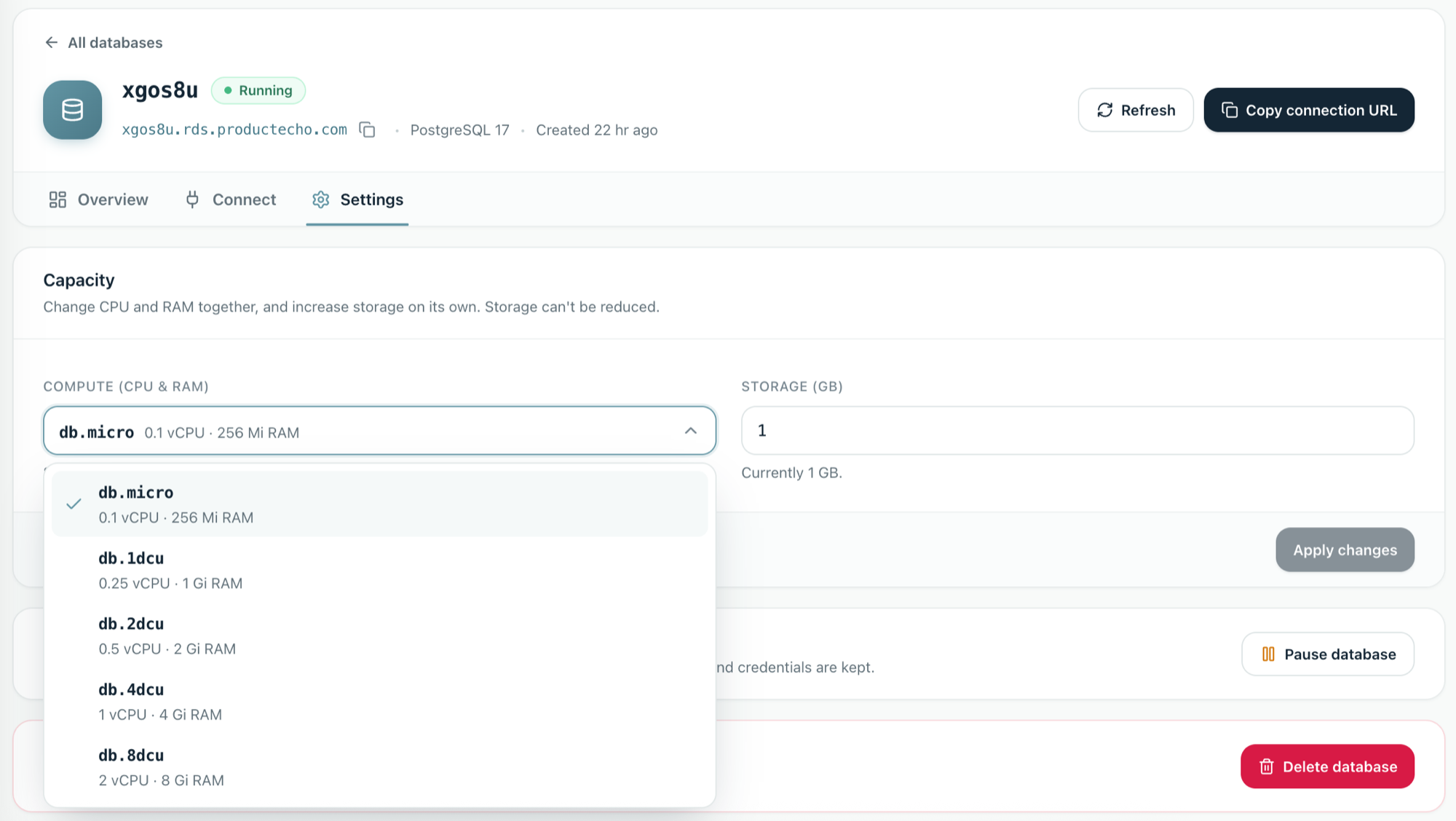
postgresunless you or your agent choose other names. - Sizes from db.micro (0.1 vCPU, 256 Mi) to db.8dcu (2 vCPU, 8 Gi). Storage starts at 1 GB and can grow. The sizes you can pick depend on your plan.
- Encrypted at rest. Data is stored on encrypted disks (AWS EBS encryption, with keys managed by AWS).
How it works
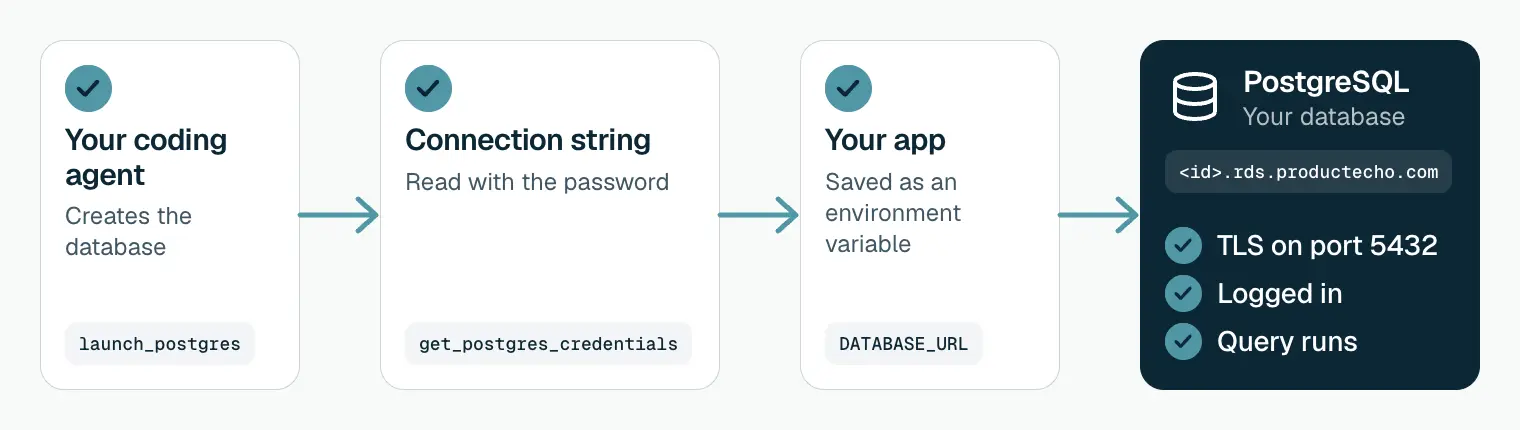
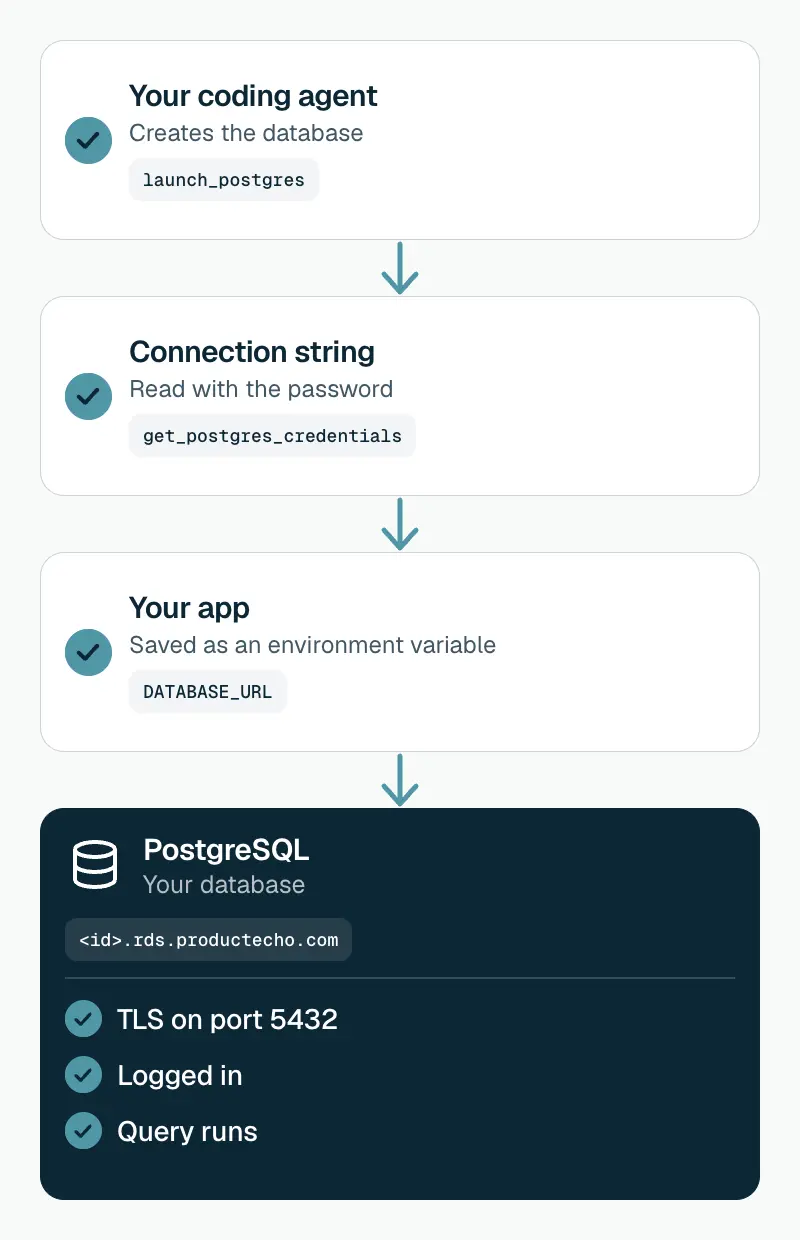
Your agent creates the database
launch_postgres with a version, a size and the storage you need (1 GB at least). The database is ready when its status is Running.It reads the connection string
get_postgres_credentials returns the host, the login, the password and a ready-made URL: postgresql://postgres:<password>@<id>.rds.productecho.com/postgres?sslmode=require&sslnegotiation=direct.It saves the string on your app
DATABASE_URL: at the first deploy, or on an app that is already live, which then restarts to pick it up.Your app connects over TLS
DATABASE_URL and connects. TLS 1.2 or newer is required, and the URL already asks for it.Create one from your coding agent
To deploy an app and its database together, ask for both in one prompt:
To add a database to an app that is already live, name the app:
With the ProductEcho plugin in Claude Code, you can also call the PostgreSQL skill directly:
Connect from your code
Read the whole URL from DATABASE_URL and pass it to your driver as it is. The two settings at the end matter:
sslmode=requireencrypts the connection.sslnegotiation=directstarts TLS straight away, which ProductEcho's gateway needs. It is a PostgreSQL 17 client option, so usepsql17 or newer, or a driver that supports direct TLS.
To connect from your own computer, ask your agent for the connection string, or copy it from the database's Connect tab in the console:
The psql banner should say SSL connection. More on drivers, pools and timeouts: PostgreSQL connections in production.
Manage it in the console
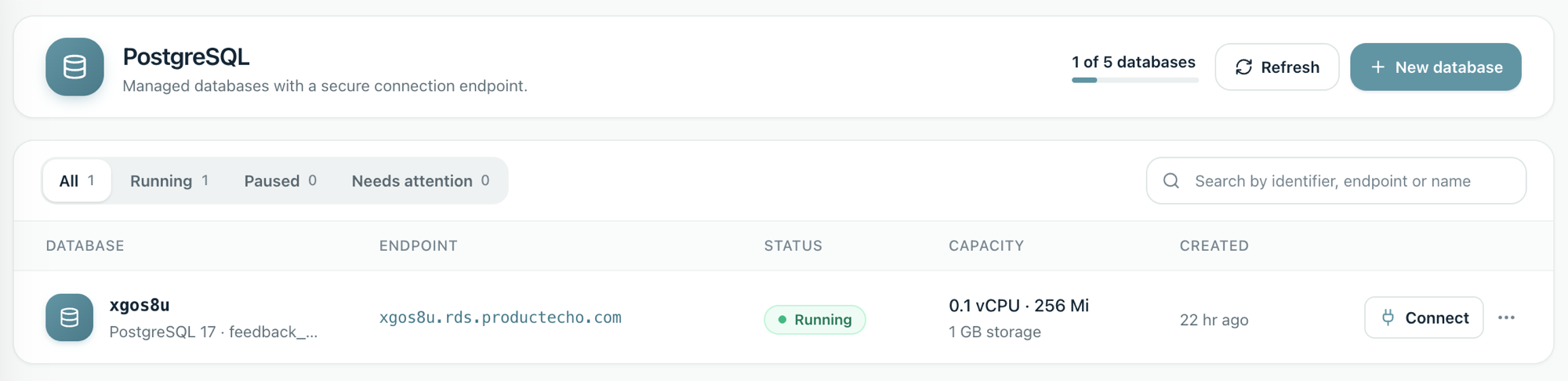
Databases appear under PostgreSQL in the ProductEcho console, with their status, address, size and storage.
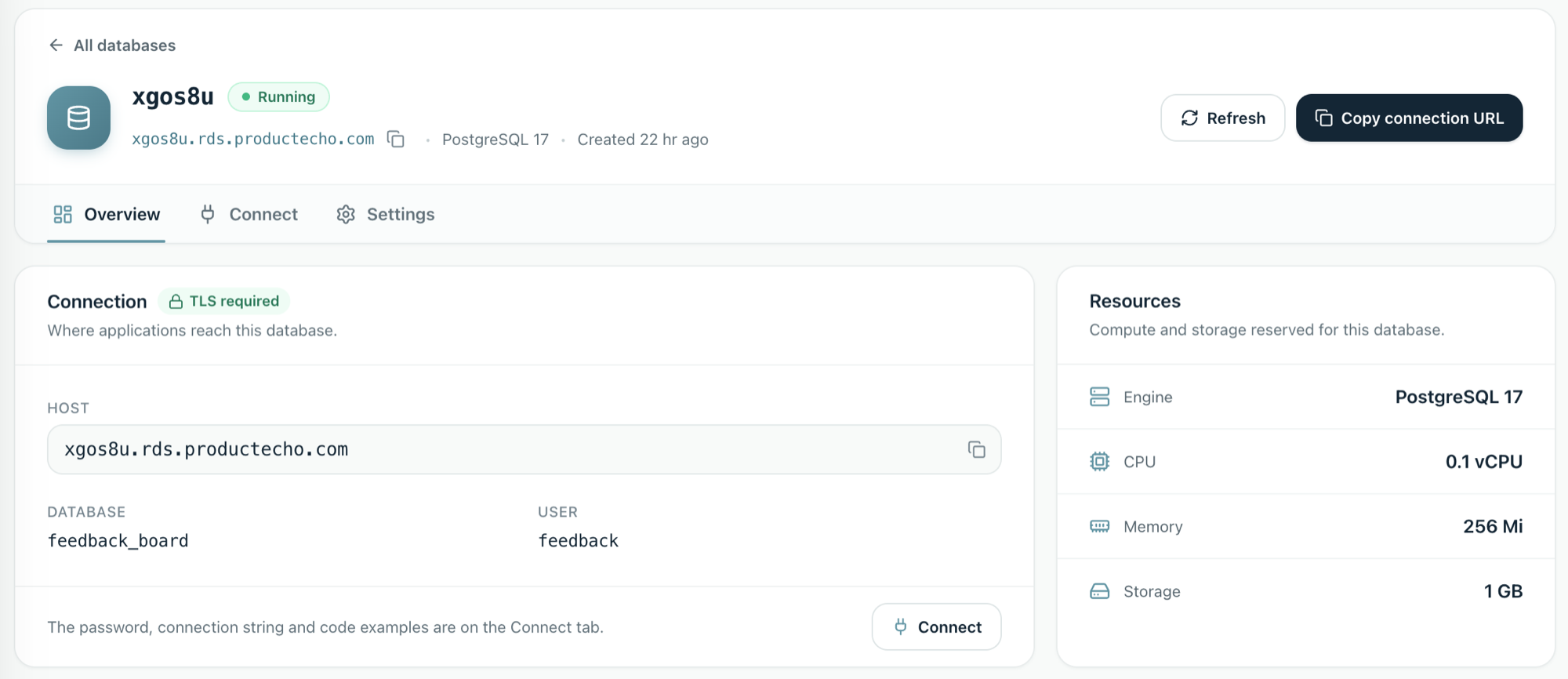
Open a database to see its host, database name and login. The password, the connection string and code examples are on the Connect tab.
Resize
In Settings, choose a compute size and, separately, a larger storage size. Raising storage does not take your app offline. Changing CPU and memory restarts the database. Your agent can raise storage too, with resize_postgres.
Pause and resume
Pausing stops the database and keeps its disk. Apps cannot connect until you resume it. Your agent can do both with pause_postgres and resume_postgres.
Delete
Deleting a database also deletes its disk. It cannot be undone.
Check it worked
- The database shows Running in the console, or your agent's
get_postgres_statussays so. - Your app's Environment tab lists
DATABASE_URL. - A page that reads from the database loads on the live URL.
Good to know
- Connect from anywhere over TLS.
- Storage grows without downtime. Raise it any time.
- One login, and it is the owner. No second, limited login is created. You can create one yourself with SQL.
How to keep production data safe: connect an AI-generated app to production data.
Fix common problems
The connection is closed before login, or TLS fails
Your client or driver does not support sslnegotiation=direct. Use psql 17 or newer, or a driver version that supports direct TLS.
The app cannot find DATABASE_URL
Check the app's Environment tab. An update replaces the whole list of variables, so an agent call that sent other variables can drop it. Ask your agent to set DATABASE_URL again.
It worked, then stopped connecting
The database may be paused, or its password changed with SQL. Resume it, or update DATABASE_URL with the new password.
Questions
Which PostgreSQL versions can I use?+
PostgreSQL 17, the default, or 18.
Can I connect from my own computer?+
Yes, with `psql` 17 or newer and the connection string from the console or your agent.
How does my app get the database password?+
Your agent saves the full connection string, password included, on the app as `DATABASE_URL`. Your code reads it from the environment.