Deploy with a coding agent: one prompt per task
One prompt per task: deploy a full-stack app with PostgreSQL, add a database later, keep an API private, use your own domain, and find out why an app is failing.
How to use this page
Find the scenario that matches what you are doing and send its prompt. In Claude Code, start with the ProductEcho skill command. In any other MCP client, say the same thing in plain language. Either way, your agent works out which ProductEcho tools to call.
Leave off the /productecho-plugin:… part and ask in plain language, for example: Use ProductEcho to deploy this application with a PostgreSQL database.
Deploy a web app
Your app is a frontend or an API that does not need a database.
ProductEcho inspects the code, deploys it, and returns a live HTTPS URL.
Deploy a full-stack app with PostgreSQL
Your app needs a database. One prompt covers both the database and the deployment.
Understand
Provision
Connect
Deploy
Add a database to an app that is already live
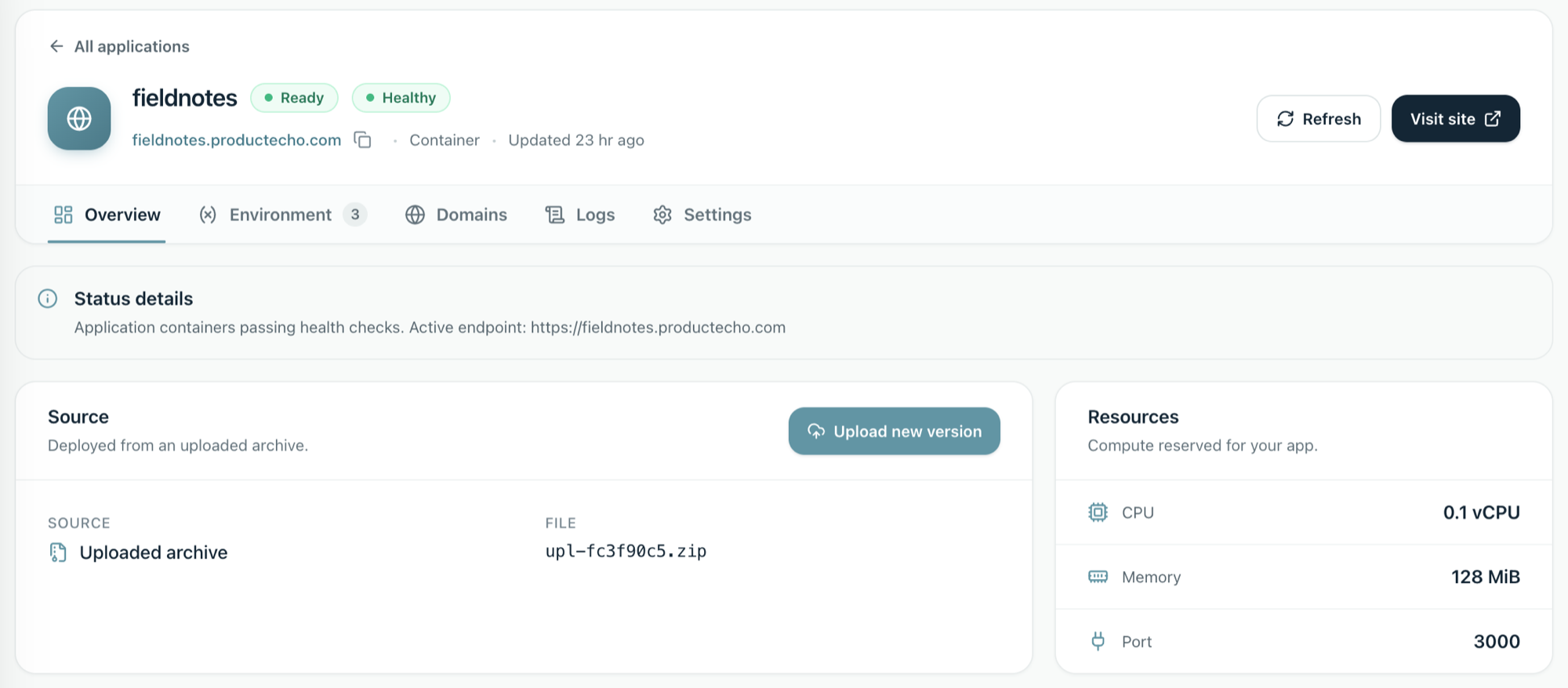
You shipped without a database and now need one.
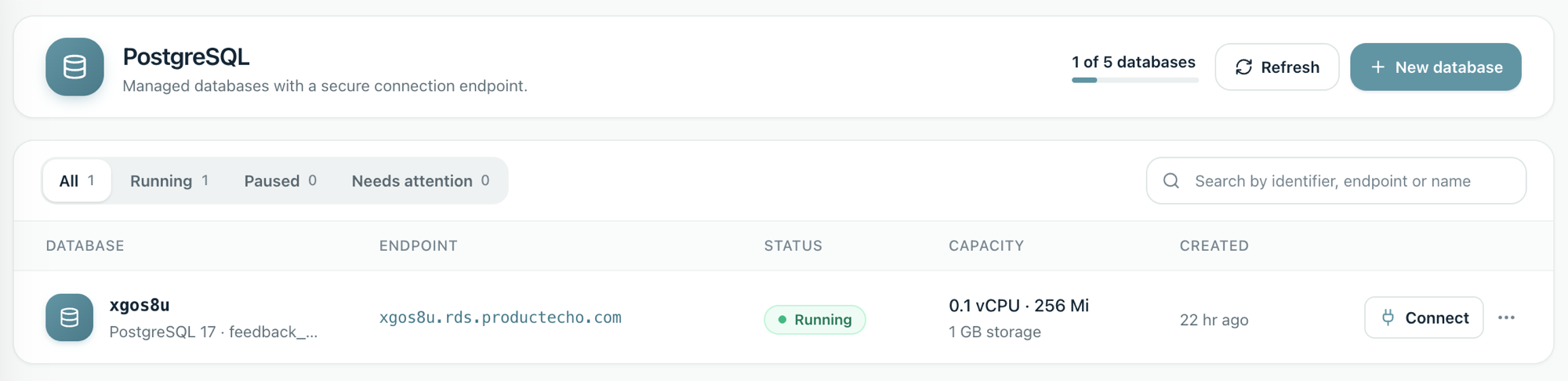
Your agent creates the database and gives your app its connection details through environment variables. To choose a size or grow storage later, see PostgreSQL databases.
Change a setting
You need a different environment variable value, such as a log level or an API URL.
For a server app, ProductEcho restarts it with the new value and does not rebuild it.
Keep an API off the public internet
You have an API that only your own apps should call, so it should not have a public address. Ask your agent to deploy it as a private app:
The agent deploys it with no public address and tells you its internal address, which only the other apps in your workspace can use. To make an app that is already live private, or to open it up again, say so:
The switch takes a few seconds and does not rebuild or restart the app. Private services explains what private means, what it cannot do and how to undo it.
Call a private app from your web app
Your public web app needs to reach the private API. Give the web app the API's internal address as an environment variable:
ProductEcho restarts the web app with the new value and does not rebuild it. The web app must make the call from server code, such as an API route. A visitor's browser cannot reach an internal address. Private services shows the code and the fixes for the common errors.
Put the app on your own domain
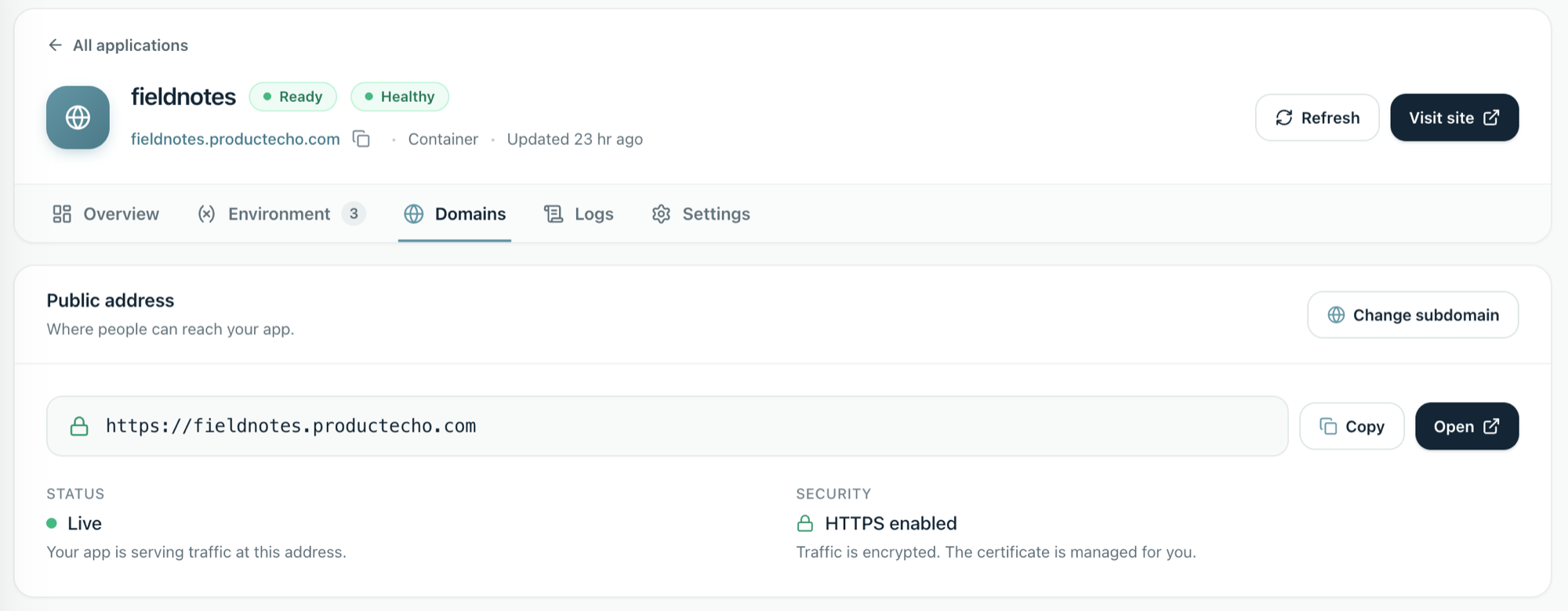
Every app keeps its ProductEcho address. To serve it from your own domain as well, ask your agent:
The agent calls add_custom_domain and gets two DNS records to publish. It cannot change your DNS, so it shows the records for you or for whoever manages the domain. For app.example.com they look like this:
The TXT record proves you own the domain and the CNAME sends visitors to the app. Once you have published both, ask the agent to check. It calls check_custom_domain until the domain goes from waiting for DNS, to HTTPS being set up, to live. The certificate is issued for you and renews on its own.
Most DNS providers cannot put a CNAME on a root domain. Use an ALIAS or ANAME record, or CNAME flattening, with the same value, or use a www address instead.
Each app can have up to three custom domains, and your plan sets the total across the workspace; the limits are on the pricing page. If a domain stays on one step, Custom domains, DNS, and HTTPS for a new app shows how to find the layer that is failing.
A private app cannot have a custom domain, because it has no public address. Make the app public first.
Find out why an app is failing
When a container app returns errors or will not start, ask your agent to look before you change anything.
The agent calls diagnose_application, which returns the app's status, a summary of the last 15 minutes of warnings and errors, and suggested next steps. For more detail it calls get_application_logs, which can filter by time (up to 7 days back), severity, text, output stream and release. If a build failed, get_build_logs returns the end of the build output. The output of a build that succeeded is not kept.
The same logs are in the console, on the app's Logs tab, with filters and a live view. ProductEcho keeps runtime logs for 7 days. A static site has no runtime logs.
Reading logs is its own permission, and viewers never get it. In the console you can switch log collection off for one app, switch it off for the whole workspace in Settings & Billing, and delete the logs already stored.
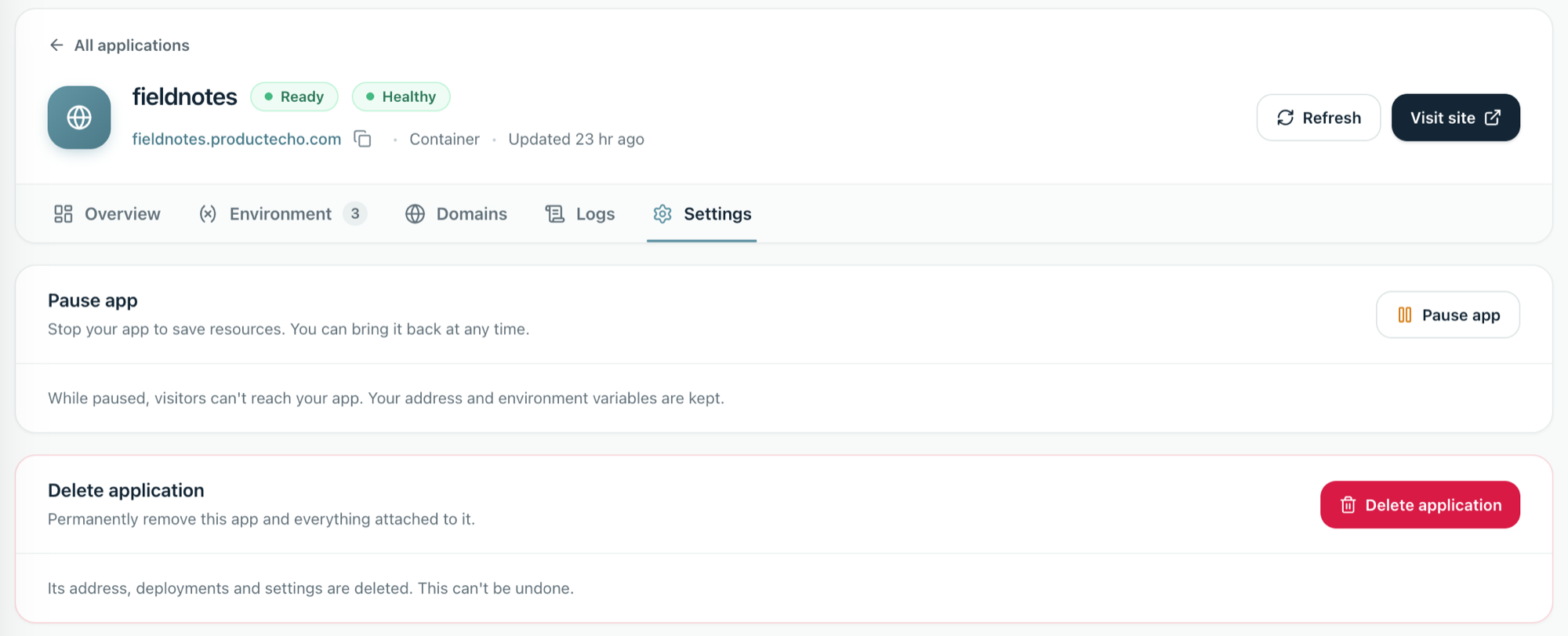
Pause an app you are not using
Staging and demo apps do not need to run all day.
While an app is paused, visitors can't reach it, and its address and environment variables are kept. To bring it back, ask your agent to resume it.